EasyManua.ls Logo

Pure Digital EVOKE Mio - Controls at a Glance; Rear Connectors

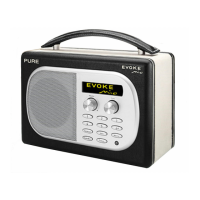
Pure Digital EVOKE Mio
18 pages
Print Icon
To Next Page IconTo Next Page
To Previous Page IconTo Previous Page
Loading...
3
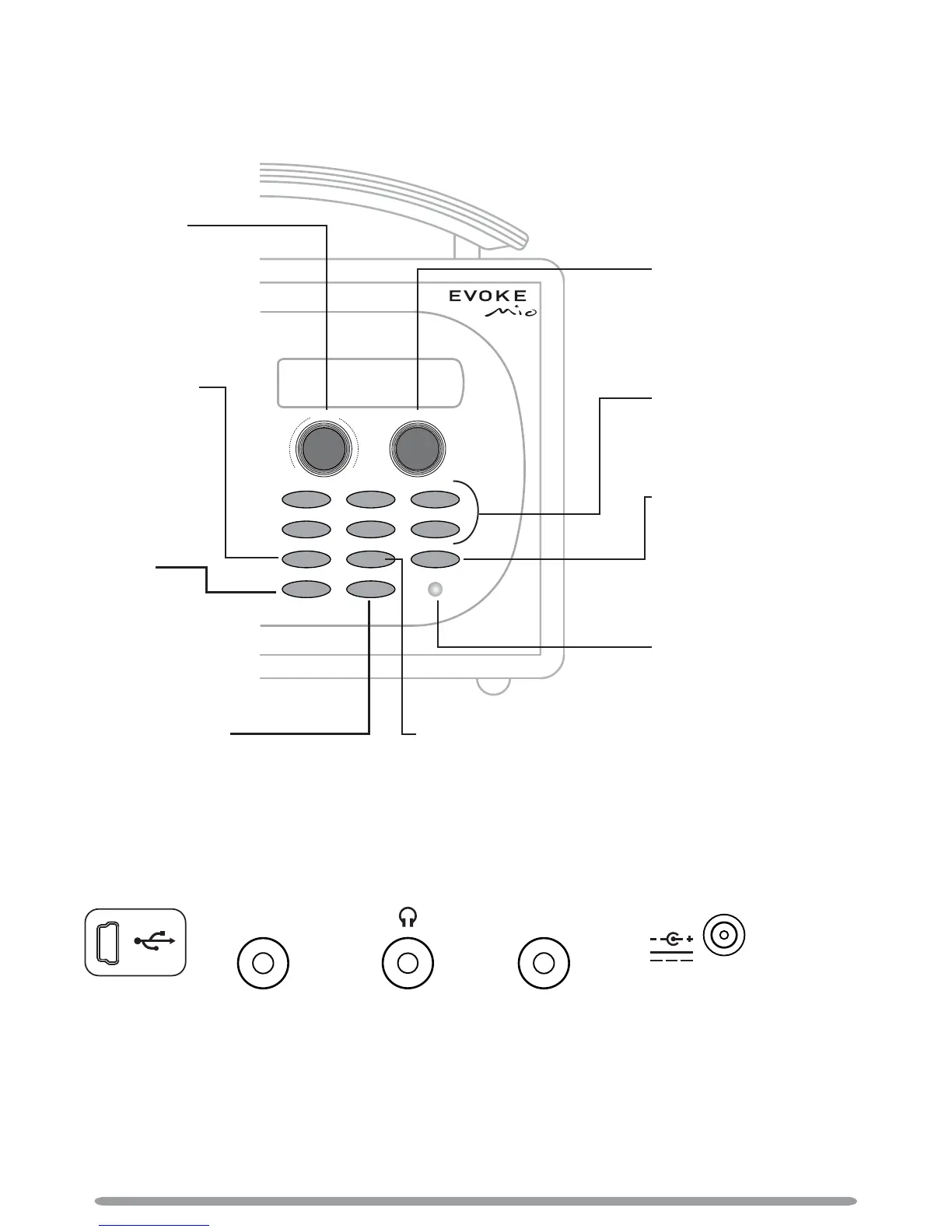
Controls at a glance
Volume
Tune
Info
Source
123
456
+
Standby Timer
Menu
-
+
Volume dial
Adjust and mute
volume
> page 4
Tune dial
Browse and select radio
stations > page 4
Use textSCAN > page 5
Presets 1 6+
Store up to 30 DAB or FM
preset stations > page 8
Light sensor
Auto-adjusts the display
brightness > page 12
Menu
Use Intellitext > page 9
Set the alarm > page 6
Adjust the display > page 11
Setup options > pages 11-13
Source
Switch audio
source
> page 4
Standby
Switch the radio
into standby or off
if a ChargePAK is
tted > page 10
Timer
Set the kitchen
timer > page 7
Info
Change the information shown
on screen > page 5
Rear connectors
6V DCAux In Stereo Out
Mini-B type
USB connector
for upgrades
only.
Analogue
stereo input
for iPod,
MiniDisc, etc.
3.5 mm
headphone
socket.
Connect to
an external
amplifi er.
Connect to
supplied
mains
adapter only.

Related product manuals