EasyManua.ls Logo

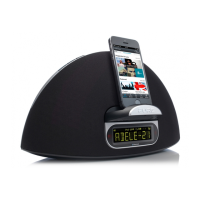
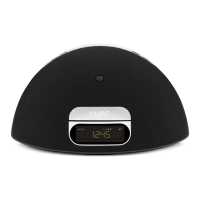
PURE Contour D1 - Device Ports and Features; Listening to iPod;iPhone;iPad; Compatibility; Docking Your Device

PURE Contour D1
124 pages
Print Icon
To Next Page IconTo Next Page
To Previous Page IconTo Previous Page
Loading...
7
ES
EN
Controls and connectors
Bass port
Remote control
holder
Storage recess for
remote control.
Telescopic
Aerial
Power adapter socket
Connector for supplied
mains power adapter.
Headphone
socket
3.5mm stereo
headphone socket.
Aux In socket
Analogue
stereo input
for MP3 player.
USB socket
USB connector for
software updates
(mini-B type).
On/
Standby
Source
Press to change
between Digital
radio, FM, iPod,
Auxiliary input
and Bluetooth.
Favourites/Snooze
Press and repeat to browse
through your favourite stations.
Press to snooze a sounding alarm.
Mute
Volume down
Volume up
iPod/iPhone/
iPad dock
Press the right
hand end of
the front panel
to open the
iPod dock.
LCD display

Table of Contents

Other manuals for PURE Contour D1

Related product manuals