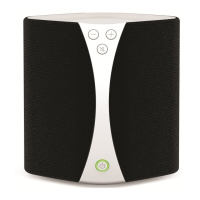
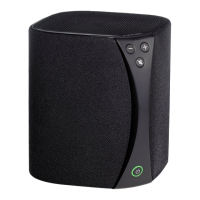
!
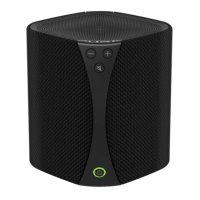
Once you click Connect the light will pulse and
then turn solid green to show that your Jongo is
connected.
If the connection fails, the light will
flash red. Don’t worry, this probably
means you mistyped your Wi-Fi
password. Just go back to step 2
and try again.
If the problem persists visit support.pure.com
A
B
C
D
Add Jongo to your wireless network
The Jongo Setup page should open automatically
on your device. If not, open your internet browser
and enter myjongo in the address bar.
If you want to rename your Jongo, type in the new
name and tap Change name.
Select your wireless network.
Enter your network password if required and tap
Connect.
On your mobile device search for available Wi-Fi
networks. Your Jongo will be listed as a network.
Connect to this network.


 To Next Page