-13-
ENGLISH
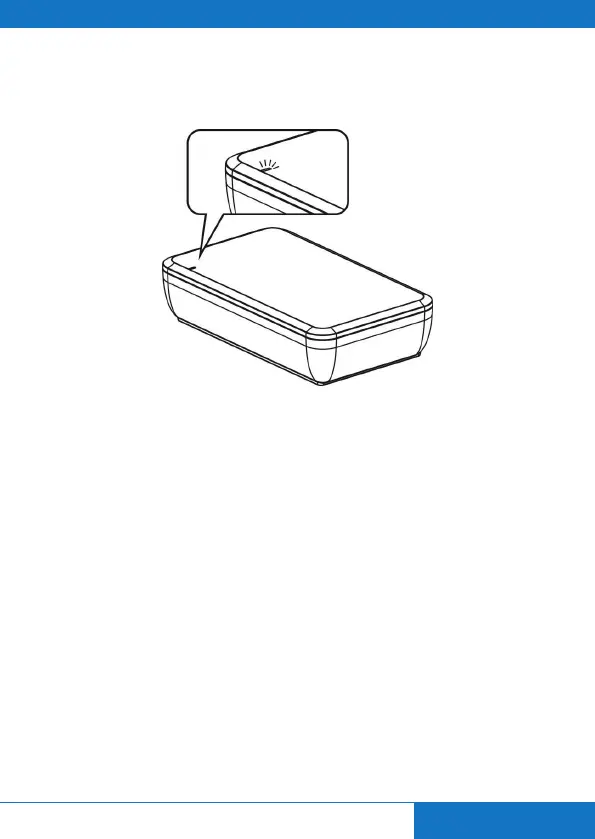
Step3: When the pairing was successful then the LED indicator shows a constant blue light.
13. OPERATION
Step1: Turn on your audio amplier, adjust the volume to suitable level.
Step2: Play the DVD or Blu-ray DVD with 5.1 CH audio.
Note: The CSW620 always prefer to use the signal of the RCA Subwoofer Cable. If there is no
signal for 15 Seconds from the RCA Subwoofer Cable then it switches automatically to
the RCA L/R Cable Signal.


 To Next Page