MAX2 4K60 Cross Platform Matrix Router
53
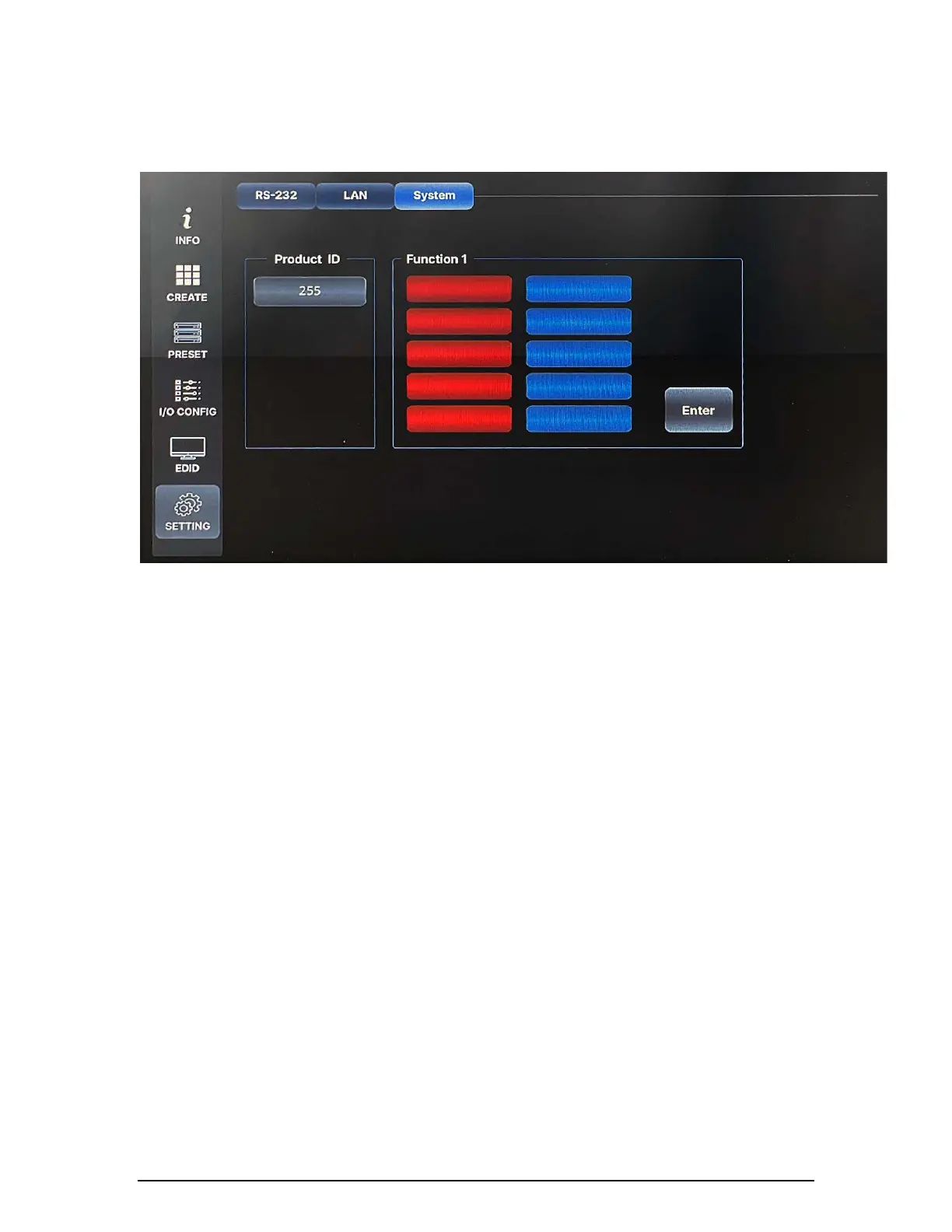
3) Router ID
By setting a different ID to the Matrix Router, up to 255 units of MAX2 series
Matrix Router can be connected and operated in the same network either via
serial or LAN communication. Router ID can be set between 001 ~ 255.
Factory default setting is 001.
Note) Router ID is associated with command control Protocol;
therefore, it is important to remember Matrix Router's current
Router ID.
Preset
MAX2 series Matrix Router provides a Preset function for users to execute
predefined multiple switching at once. Presets can be saved and recalled from
the front panel touch screen. Preset only works for Video switching.
● All presets remain stored when power is lost and restored unless the user sets
the Matrix Router to the factory reset.
● When a preset is recalled, it replaces the current configuration. The recalled
preset overwrites all of the current configuration.


 To Next Page