User Manual
PT-SCREEN-200
9
Input Signal
Use A/V key to select the input signal, HDBaseT or HDMI
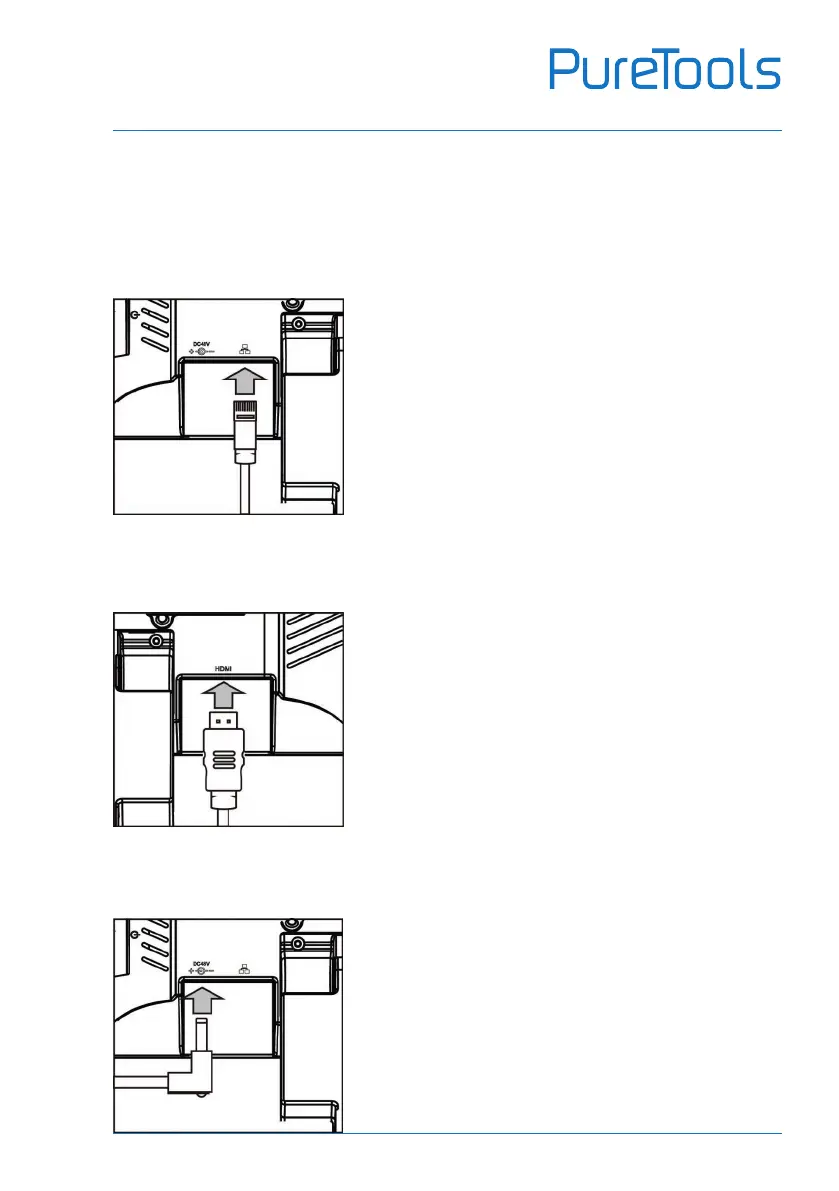
HDBaseT:
Connect the LAN cable as indicated by the arrow
HDMI:
Connect the HDMI cable as indicated by the arrow
AC Adaptor:
If there is no 48V POE, please use provided AC Adaptor
and connect as indicated by the arrow
Note: If PT-SCREEN-200 will not be used for long time,
suggest remove the AC adaptor from PT-SCREEN-200.


 To Next Page