05
4. CONTROLS
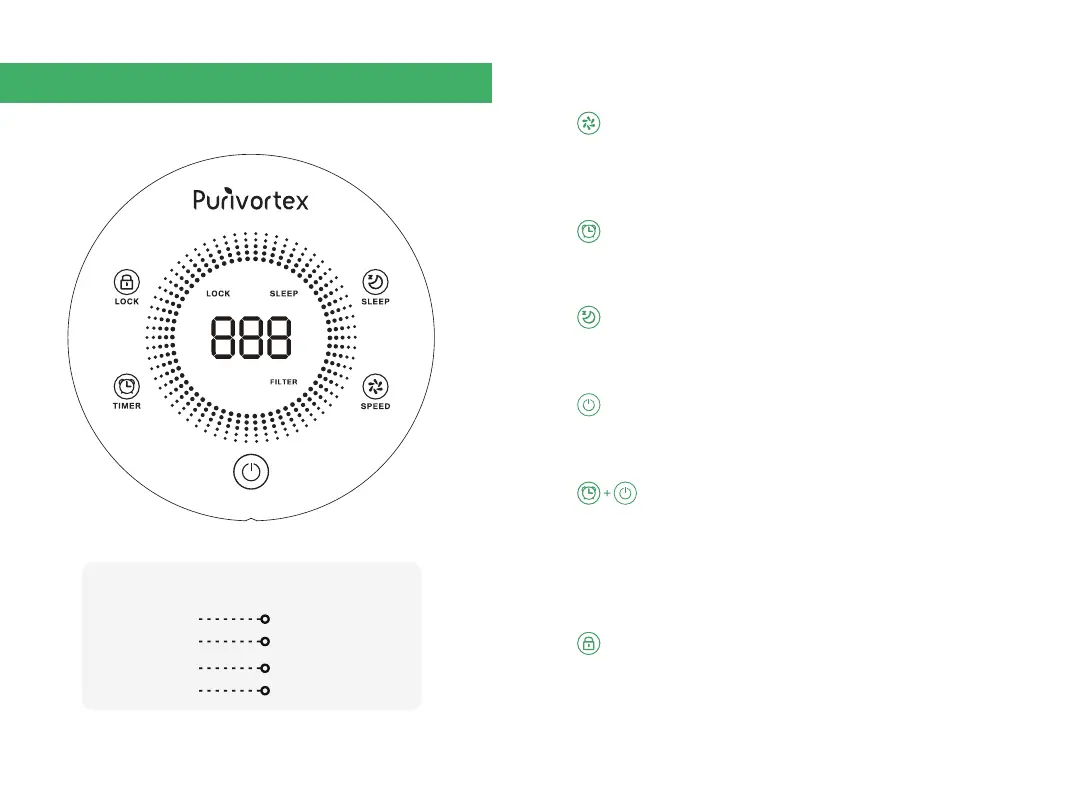
Air Quality Indication
Green
Blue
Yellow
Red
Very Good
Good
Moderate
Bad
Speed
Timer
Sleep Mode
Power ON/OFF
Replace Filter Indicator
Child Lock
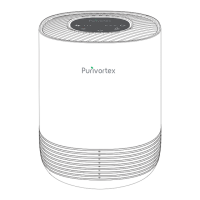
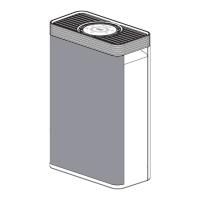
3. Get to Know Your Air Purifier
a. Press button to select speed from the following options: 2, 3, 1, Auto.
b. Auto Mode adjusts to the appropriate fan speed according to indoor
air quality feedback.
a. You can set a timer for 1-12 hours.
b. You can set a timer to turn the air purifier on/off.
a. Sleep mode operates quietly by using the lowest fan speed.
b. All lights will turn off and only SLEEP button will appear with partial lighting.
Press button once. POWER indicator will turn on. After 30 seconds, the unit
will turn onto Speed 2.
a. The filter indicator will light up as reminder to replace the filter. Depending
on how often you use the air purifier, the indicator should turn on within
3-6 months.
b. Press and hold time button and Power ON/OFF button for 3 seconds to
reset the filter replacement indicator.
a. Press and hold child lock button for 3 seconds. All functional buttons will
be locked.
b. Press and hold again child lock button for 3 seconds. All functional
buttons will be un-locked.


 To Next Page