4
3
2
1
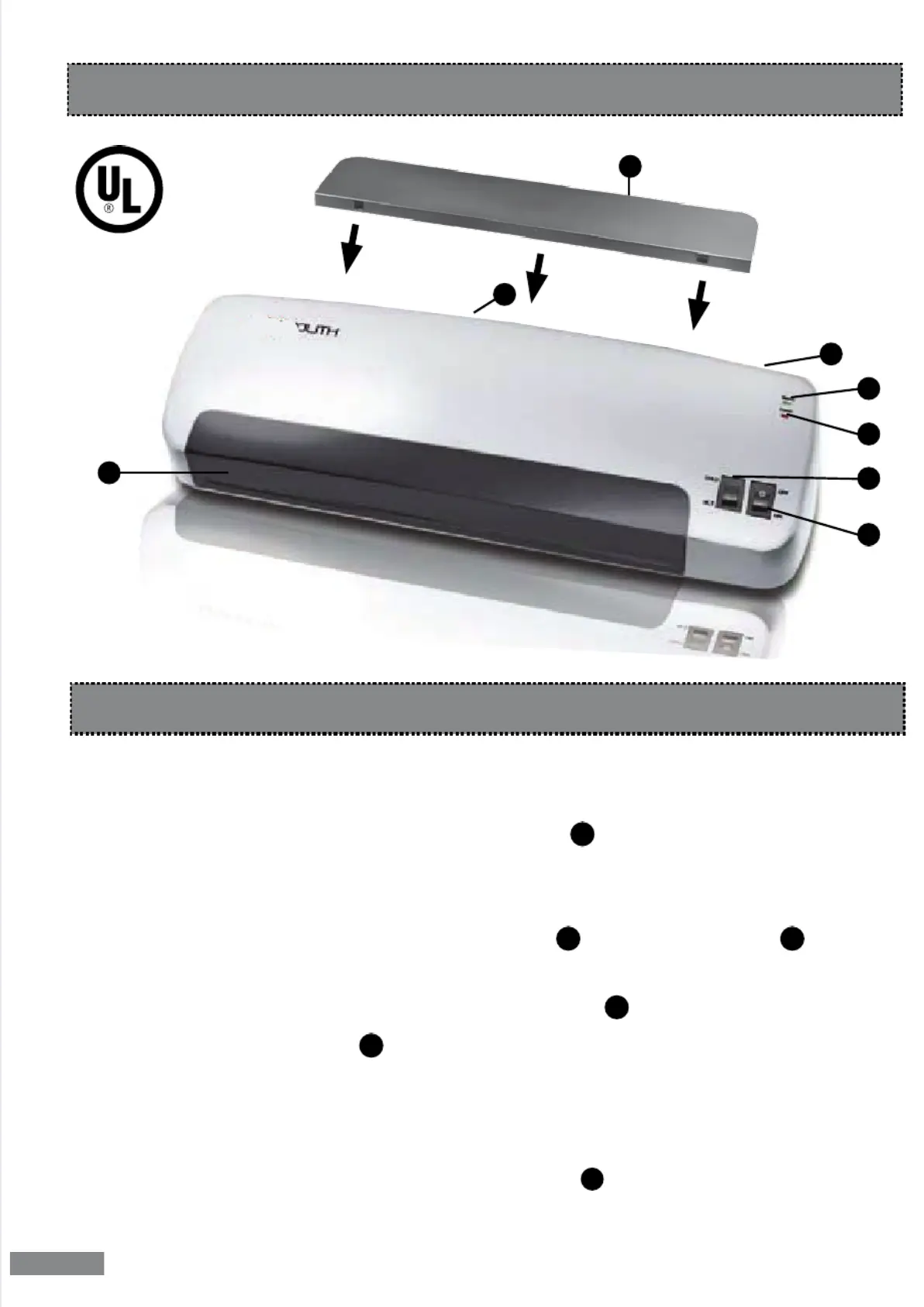
Position the laminator on a at surface with enough space to insert the laminating
Remove
input
insert it into
the two designated opening on the back side of the device.
Plug the unit into a grounded electric
Switch
laminator on
ON/OFF switch . The red
come on.
Select hot lamination
HOT/COLD switch to the HOT
The green standby indicator
light appears as soon as the unit has reached the right
temperature.
The preheating time can vary depending on
and air
.
Place document in between the
top and bottom layers of the laminating pocket.
Insert the pocket, closed edge
into
slot at the back of the laminator
1.
2.
3.
4.
5.
6.
7.
1 3
2
Laminator Instructions



 To Next Page