•
Take care to use only one pocket per lamination, as pockets may cling together.
• Insert the laminating pouch closed-edge
into the slot on the back of the
machine.
rollers will automatically pull the pouch in and transport it to
on
Don’t use
to
out
ms.
•
Let the
a bit, and then it
.
•
If the laminating pocket has not adhered properly to the paper
ack
through the laminator.
•
When laminating thin or lightweight items like tissue paper or newsprint, insert
your items in the pocket and then place the pocket in
paper and pocket together into the
•
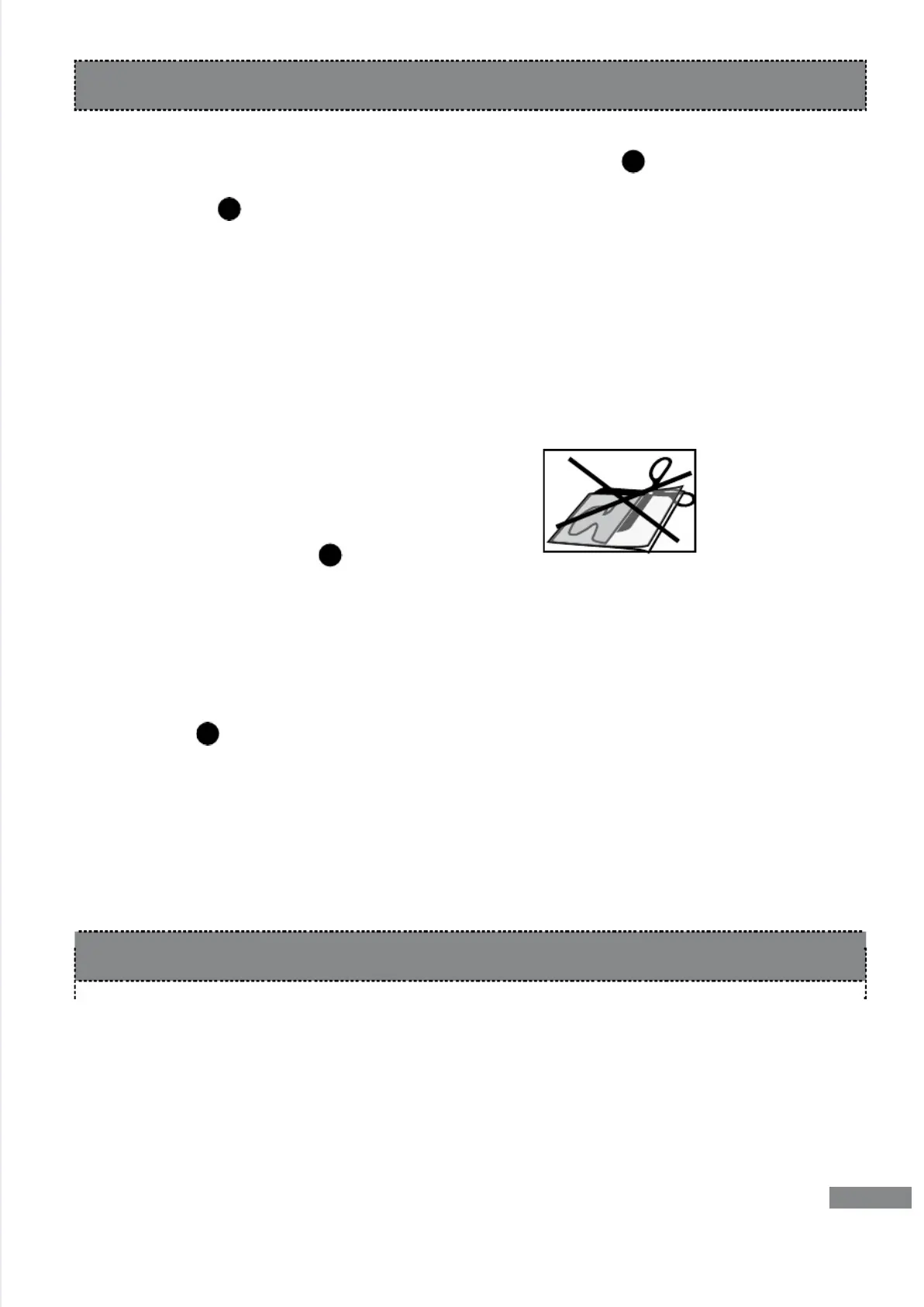
Never cut
prior to
After Laminating
1. Set
to
2. Remove
om t
3. Leave the machine
1.
on.
2. Fold a standard sheet
t, into the pouch
feed tray . Keep repeating this process
clean sheets of
paper
until no more glue deposits cling to the paper.
1. Always remove the plug from its ele
ore cleaning the machine.
2. Let the machine cool down.
3.
Use ne
nts, never a
.
•
The Purple Cows Hot Pockets included with your laminator are 3
• This laminator can be used with all 3 mil and 5 mil popular bra
aminating
pockets/pouches available at office
•
retailers and online. For locations
ecows.net
5
For Successful Lamination


 To Next Page