ENG
57
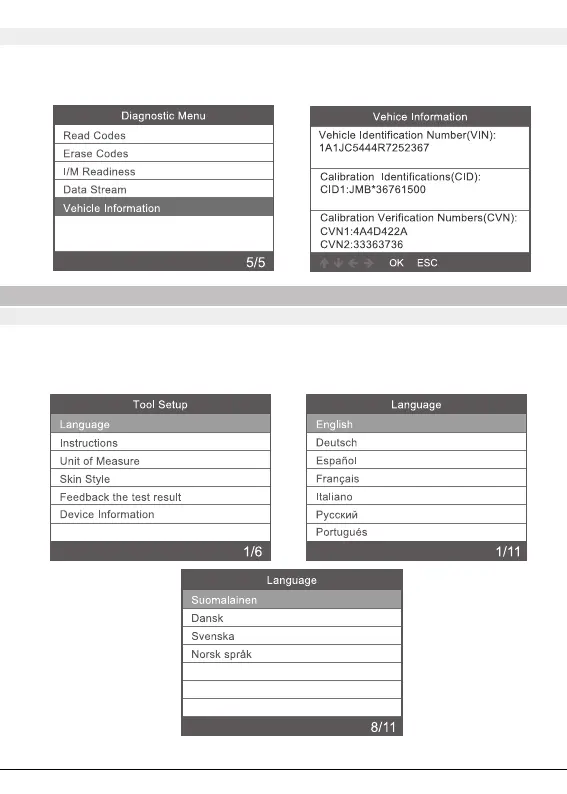
3.5 Vehicle lnformation
Select [Vehicle lnformation] and press [OK], the screen will display the formation
such as VIN (Vehicle ldentication Number) ,CID ( Calibration 1D) and CVN
(Calibration Verify Number).
4. Tool Setup
4.1 Language
Choose [Language] and it displays as follows:
lnterface languages: English, French, German, Spanish, Russian, Portuguese, Sweden,
Finland, Norway, Denmark, Italian.



 To Next Page