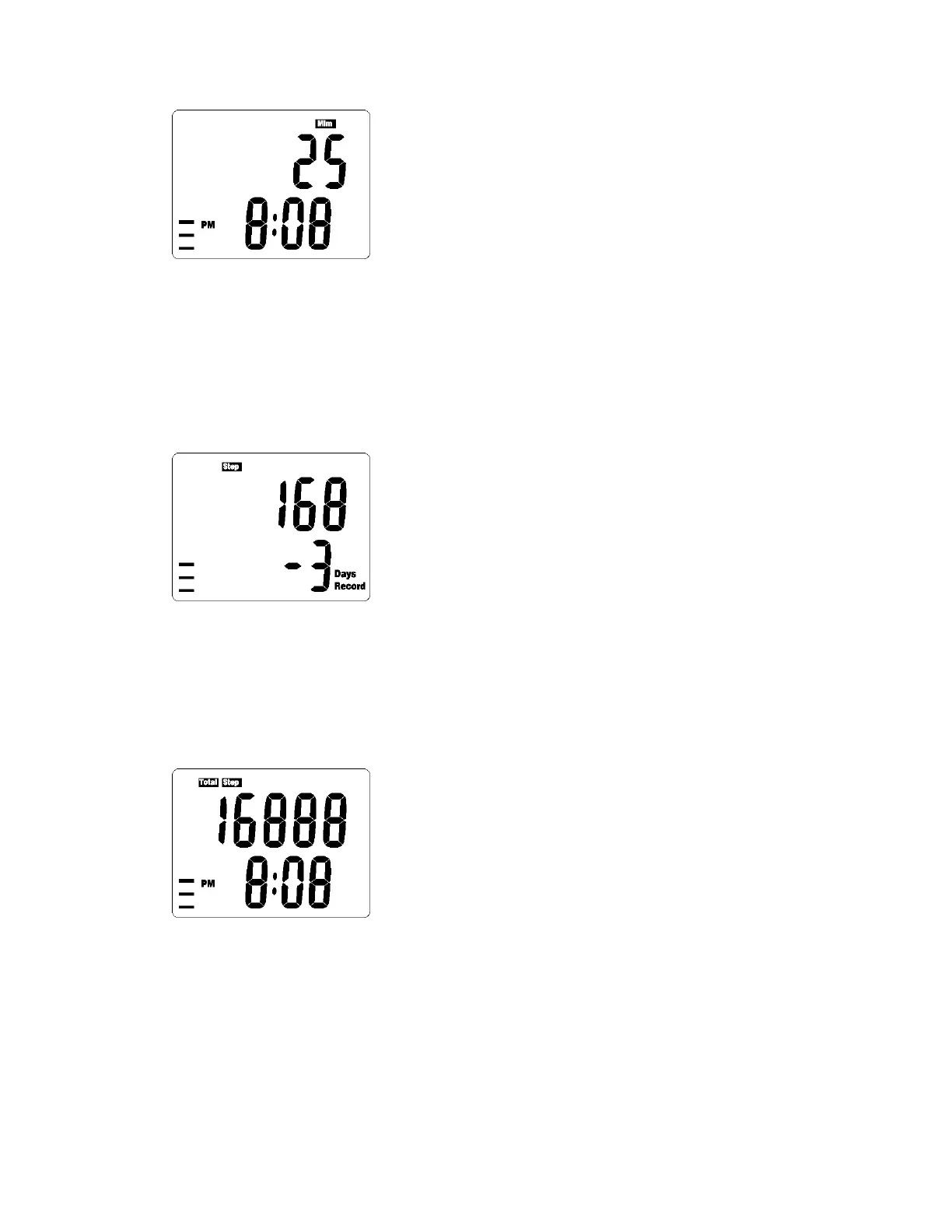
2. To clear the exercise time, press and hold Reset/+ button for 3
seconds
Note: Removal of any of the above set of data will remove all the data
for that day.
MEMORY DATA MODE
1. Press the MODE key until you have reached the Memory Data Mode
2. Press Reset/+Set Button to select the date you want to view
3. Press Set Button to view the data : Step – Distance – Calories Burnt –
Exercise Time
TOTAL MODE
1. Press the MODE key until you have reached the Total Mode
2. Press Set Button to view the data : Total Step – Total Distance – Total
Calories Burnt – Total Exercise Time
3. To clear all the data ( include daily step counting & memory data
mode ), press and hold Reset/+ button for 3 seconds



 To Next Page