USER SETTING
Time Setting
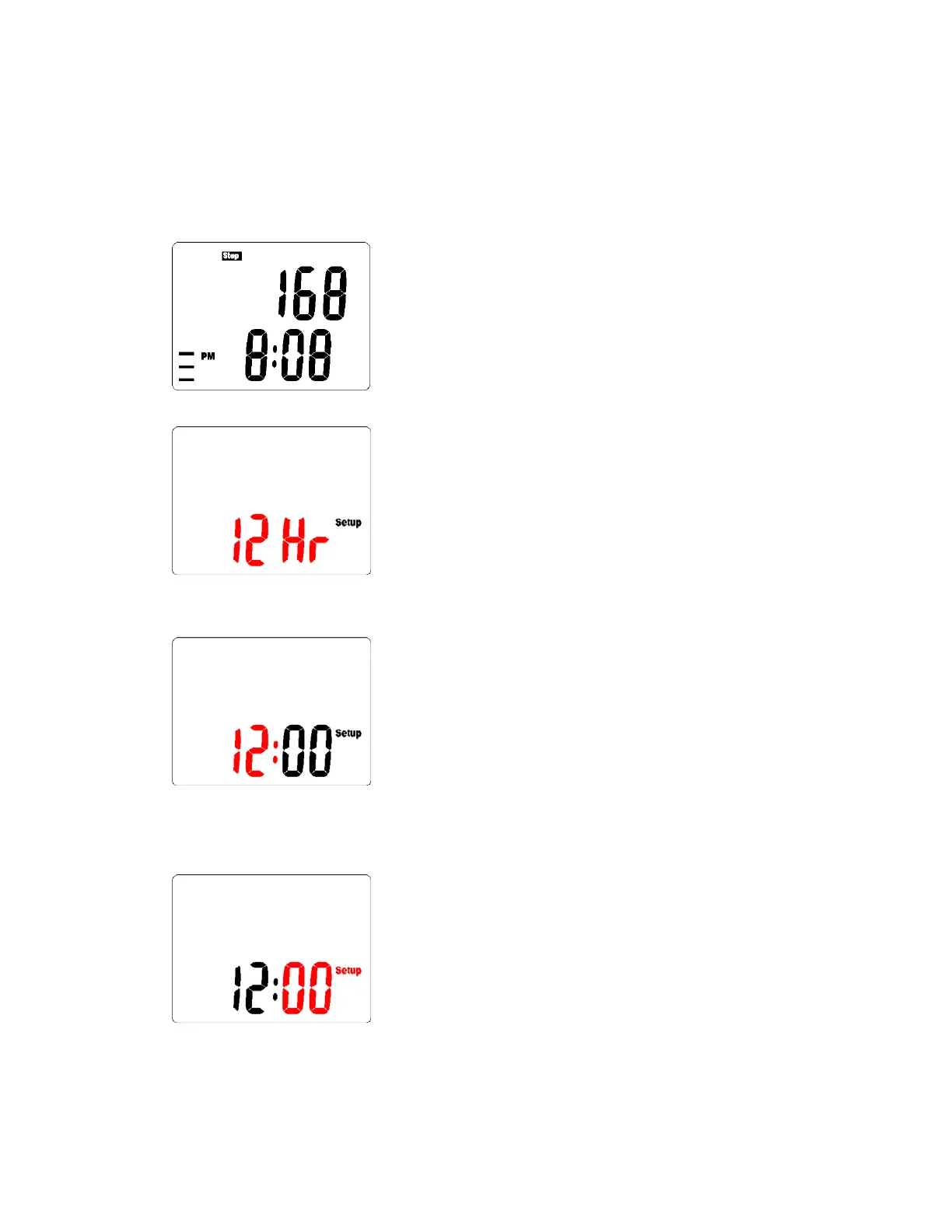
1. Press the MODE key until you have reached the Step Counting Mode
2. Press and hold Set Button for 3 seconds to set the TIME FORMAT
3. Press MODE/- or RESET/+ button to change the format
4. Press the SET button to enter next setting – HOUR
5. Press MODE/- or RESET/+ button to increment or decrement the
setting data
6. Press the SET button to enter next setting – MINUTE
7. Press MODE/- or RESET/+ button to increment or decrement the
setting data.
8. Press the SET button to enter next setting – UNIT



 To Next Page