to discriminate the metal type.
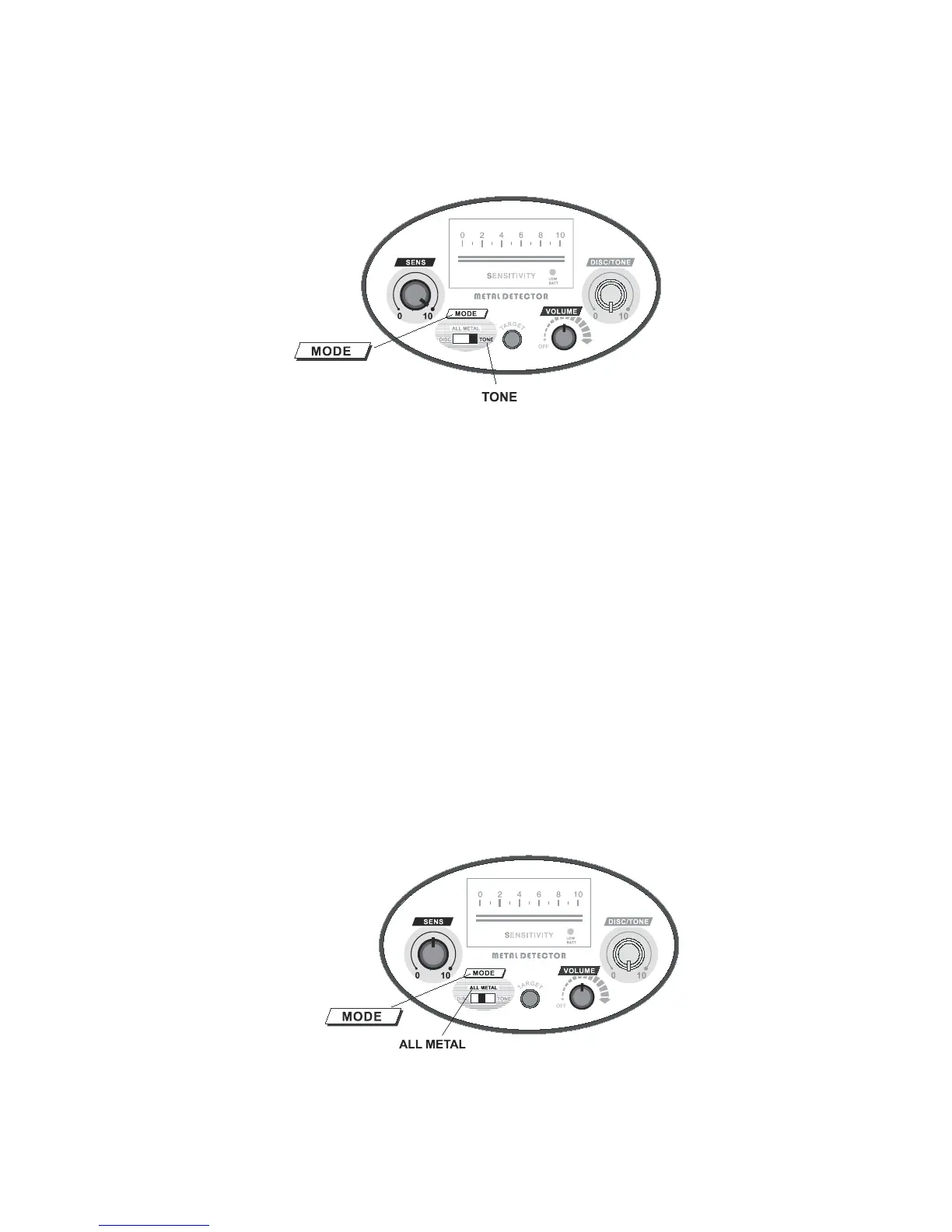
Set the MODE switch to “TONE”,“VOLUME” to the mid position and
“SENS” to “10”.(Fig 16)
Figure.16
Eliminate iron using the TONE.
Set DISC/TONE knob to the position of 9:00 to 10:00.Sweep the iron nail
about 2-3 inches(5-8cm) above the centre of the search coil, the unit will sound a
short “KO” “KO” tone, and the pointer will swing for one time. When you sweep
other metal objects, the unit will sound a “DI” tone, and the pointer will swing for
one time.
Adopting the similar method, and rotating the DISC/TONE knob, discriminate
the different metals by tone.
Adopting the similar method, and rotating the DISC/TONE knob, discriminate
the metals with TONE.
The difference between TONE mode and DISC mode is that when the metal is
rejected, the unit will not respond in “DISC” mode, while in TONE mode,t he
detector will respond with a short “KO” “KO” tone.
7. Learn to use the TARGET button
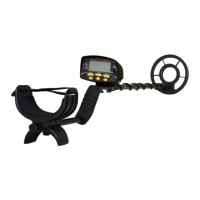
Set the MODE switch to “ALL METAL”,“VOLUME” and “SENS” to the mid
position.(Fig 17)
Figure.17



 To Next Page