5. Learn to use the “DISC” mode
If you want to classify the metal types, you should use the “DISC” knob.
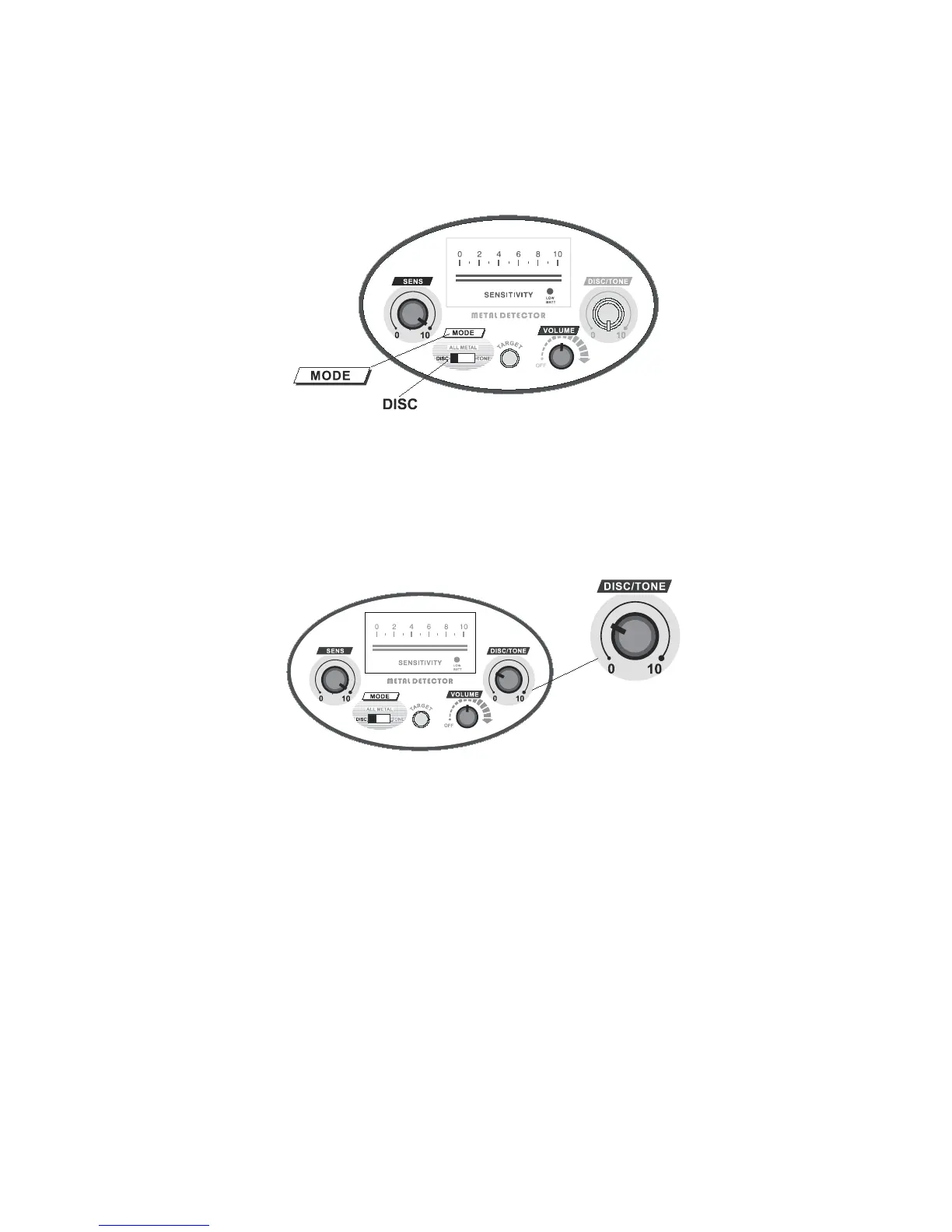
Set the MODE switch to “DISC”, “VOLUME” to the mid position, and “SENS”
to “10”.(Figure.12)
Figure.12
a. Eliminate iron
Set the DISC/TONE knob to “0”,the unit will respond to any metal objects
with a “DI” tone, and the pointer will swing for one time.
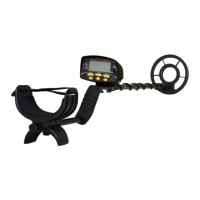
Rotate the DISC/TONE knob, set it in the position of “9:00” to
“10:00”.(Fig.13)
Figure.13
Sweeping the iron nail about 2-3 inches(5-8cm) above the centre of the search
coil, the unit won’t respond(the speaker will be silent and the pointer won’t
swing).While sweeping other metal samples, such as 5¢, pull tab,1¢,25¢,the
unit will respond(the speaker will sound a “DI” tone, and the pointer will
swing).
It means that the iron is eliminated.



 To Next Page