Need help?
Do you have a question about the Pyle PHPNC65 and is the answer not in the manual?
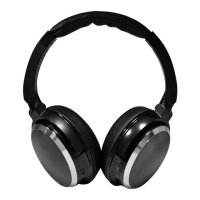
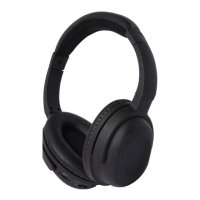
Overview of the headphone components, including ON/OFF switch, power indicator, volume, and audio jacks.
Guidance on setting up and operating the headphones, including battery insertion and headband adjustment.
Instructions for inserting two 1.5V AAA batteries for active noise canceling functionality.
Tips for adjusting the headband for optimal fit, transmission quality, and noise canceling.
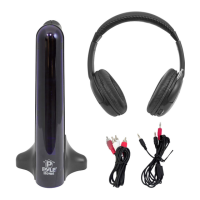
Instructions for connecting the headphones to audio sources using supplied cables and adapters.
How to adjust the volume level directly on the headphones for desired listening experience.
Steps to switch on the active noise canceling function and how the power indicator signals activation.
Explanation of how low battery levels affect active noise canceling functionality.
Information on using the headphones as conventional headphones without batteries or active noise canceling.
Advice on switching the noise canceling to OFF after use to conserve battery life.
Instructions for cleaning the headphones using a soft, lint-free cloth, avoiding alcohol or solvents.
Guidance on folding ear-pieces for transport and storing accessories in the soft bag.
Detailed technical specifications including transducer type, frequency range, impedance, and weight.
Important safety warnings regarding volume levels, modifications, maintenance, and usage in dangerous environments.
Information on warranty coverage, directing users to the included warranty card.

 To Next Page
 General