EasyManua.ls Logo

Pyle PLCDBT85MRW - User Manual

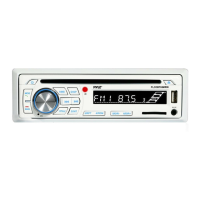
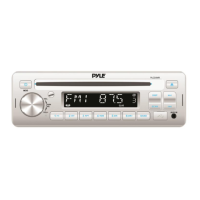
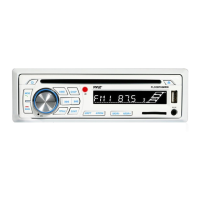
Pyle PLCDBT85MRW
14 pages
Print Icon
To Next Page IconTo Next Page
Loading...
MOBILE AUDIO SYSTEM
USER MANUAL
PLCDBT85MRW
PLL Synthesizer Stereo Radio
CD/MP3/WMA Player
Automatic Memory Storing
Fixed Panel
Bluetooth function
Preset Equalization
Electronic Shockproof (ESP) Function
USB/SD Interface

Questions and Answers

  • M
    Mary KimSep 12, 2025
    What to do if the operation keys do not work on my Pyle Stereo System?
    • K
      Kimberly KellySep 12, 2025
      If the operation keys on your Pyle Stereo System aren't working, it could be that the built-in microcomputer isn't operating properly due to noise. Try pressing the RESET button.
  • C
    Carl BrownSep 14, 2025
    What to do if the disc cannot be loaded or ejected from my Pyle Stereo System?
    • A
      Alicia VelazquezSep 14, 2025
      If your Pyle Stereo System is having trouble loading or ejecting a disc, consider these possibilities: * If there is already a CD inside, remove it before inserting another. * Ensure you're inserting the disc with the label facing upward. * The disc may be dirty or defective; try cleaning it or using a new one. * If the temperature inside the car is too high, wait until it cools down. * Condensation may have formed; leave the player off for about an hour, then try again.

Pyle PLCDBT85MRW Specifications

General IconGeneral
DIN SizeDouble DIN
TouchscreenYes
Motorized ScreenNo
BluetoothYes
USB InputYes
SD Card InputYes
AUX InputYes
RDS TunerYes
Pre-Amp OutputsYes
Subwoofer OutputYes
Video OutputYes
Steering Wheel Control CompatibleYes
Remote ControlYes
DisplayLCD
TypeDigital Media
RadioYes

Related product manuals