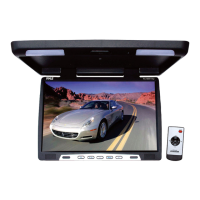
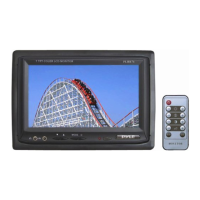
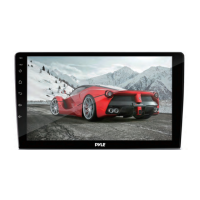
Thank you for purchasing the TFT LCD color monitor. To enjoy the features
of this device and to ensure years of trouble-free operation, please read
this manual carefully and follow the instructions.
Front Panel
Remote control
Power ON/OFF
Analog variable increase
Menu button
V1/V2 conversion
Analog variable decrease
Switch for mode
Specification
Screen Size:
Resolution:
System:
Power source:
Power consumption:
Video Input:
Operating Temperature:
Storage Temperature:
Headrest bracket
Suitable for any kinds of car
seats. Easy and conveniently
installation without damage
to the seats. Length can be
adjusted(as Picture).
7 inch
1440xRGBx234
NTSC/PAL
DC 12V
<9W
Composition video signal
0°C ~ 60°C
-20°C ~ 80°C
Installation Diagram
1. Power ON/OFF
2. V1/V2 switch
3. Activation of menu indicator
4. Negative adjustment
(Yellow) Video 1 input
(Red) Audio right input
(White) Audio left input
(Black) Grounding
(Red) Battery +12V
(Yellow) Video 2 input
(Green) ACC Wire
1 2 3 4 5 6 7 8
5. Remote sensor
6. Positive adjustment
7. 16:9/4:3 display switch
8. Image rotation



 To Previous Page