1.Iphone input
Allows you to connect an Iphone with a 3.5mm connector.
2.Banlanced Microphone Input
Connector for a balanced microphone input .
4.RCA Line-In
Allows you to connect an externel audio device(CD, radio / DVD,etc) with RCA connectors
5 .XLR Line-In
Allows you to connect an external audio device (CD, radio / DVD,etc) with XLR connectors
6.Signal output
Use 6.35mm jack to connect amplifier or even another powered speaker cabinet in cascade
using a XLR connector
17.AC power
To connect the AC power cord
16.On/Off Power Switch
Press to power on/off the speak box
.Microphone input
Allows you to connect a microphone with a 6.3mm connector.
3
9.MP3/ Iphone Volume control
Set the MP3/ Iphone volume level
11.Line-In signal volume control
Use this control to set the volume level of the Line-In signal
12.Volume control
Set the volume level9
10.Mic volume control
Use this control to set the volume level of Microphone
13.Treble
Use it to set the treble level
14.Bass
Use it to set the bass level
15
.
AC 110/220 Voltage Selectable
7/8. SD card /USB
PPHP803MU
PPHP103MU
9
9
4
10
16
18
17
1
12
5
2
8
11
12
7
8
9
10
13
14
15
17
16
3
4
5
6
2
1
18
.Fuse
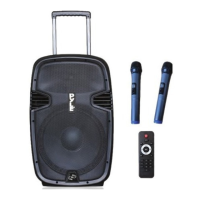
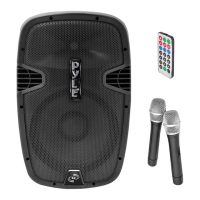
Remote control


 To Next Page