MenuOperation
Press ▲ / ▼ keytomovethecursortotheitemtobeselected(itemselectedishighlightedinyellow).Presskeytoenter
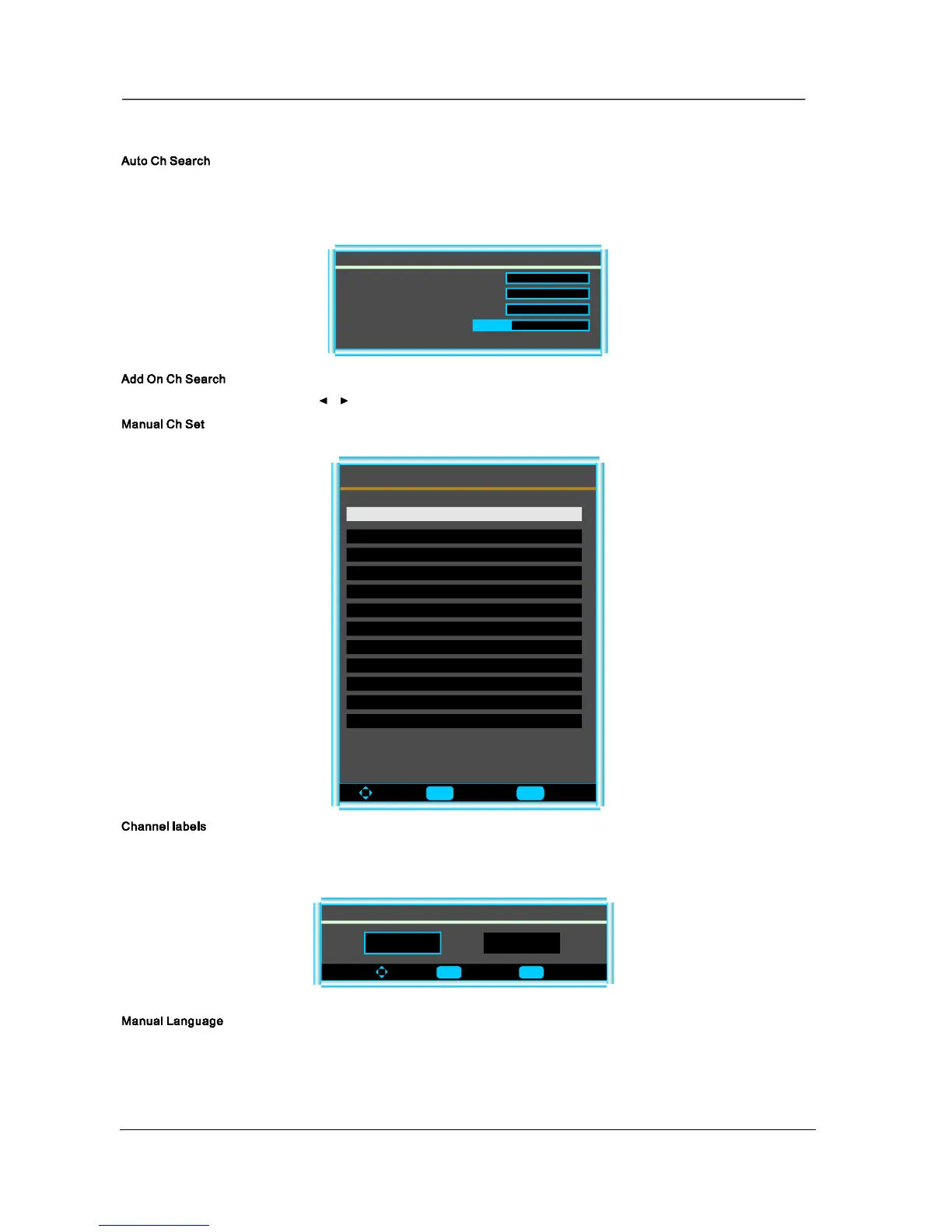
yourselectionandscan.Afterthescanisfinished,thefollowingmenuwilldisplay.Thechannelsfoundareautomatically
savedasbelow:
Enter
AnalogChannelsFound
AutoprogramMenu
NTSCChannel19
DigitalChannelsFound
NotFound
Progress(%)12
2
0
Whenthechannelsarefound,use/toaddittothechannellist.
PressEnterbuttontodisplayachannellistthatyoucanselectchannelasbelow:
ToMove ToSelect ToExit
ManualChannelSetMenu
Ch42-1ATSCdmoViewable
Ch2-0Viewable
Ch11-0Viewable
Ch22-0Viewable
Ch31-0Viewable
Ch52-0Viewable
Ch54-0Viewable
Ch66-0Viewable
Ch68-0Viewable
Allowsyoutonamethechannelthatisselected.Use ◄ / ► tomovethecursoranduse ▲/▼ toinputthenameandthen
pressMenuorEntertoreturnorexitasfollowing:
ChannelLabelsMenu
ToMove ToChange ToExit
Ch42-1 ATSCdmo
ToselectlanguageoftheOSDsuchasEnglish/FrenchandSpain
12
Enter Menu
Enter
Menu


 To Next Page
 Loading...