MenuOperation
-NoiseReduction--Spatial:pressEntertoselectonoroff.
-NoiseReduction--Speckle:pressEntertoselectonoroff.
-NoiseReduction--Temporal:pressEntertoselectonoroff.
-AutoContrastEnhancement:pressEntertoselectonoroff.
-ColorTemperature:pressEntertoselectoneofNormal/Cool
andWarm.
-3DY/C:pressEntertoselectonoroff.
-AdaptiveContrast:pressEntertoselectonoroff.
-Setting:pressEntertoreturntothefactorysetting.
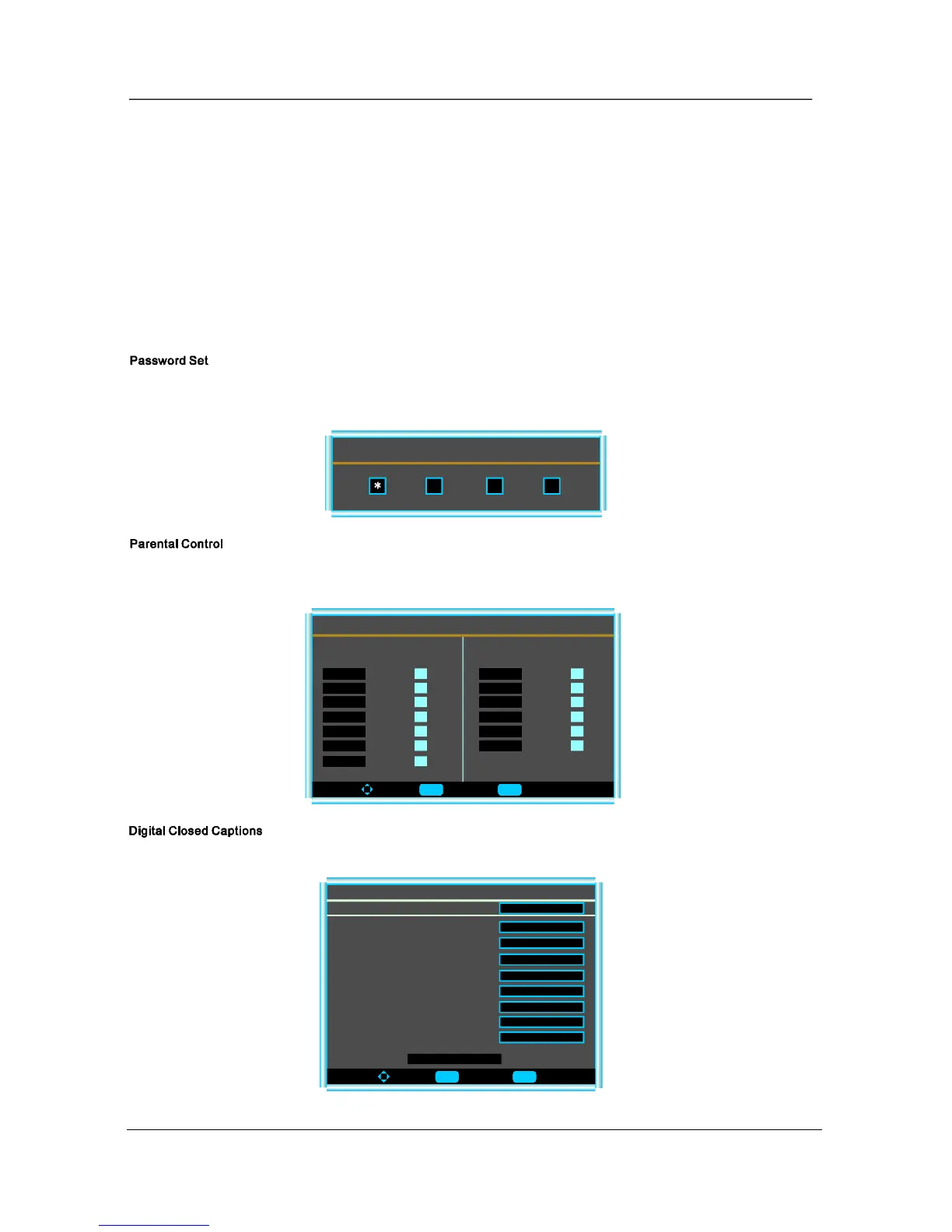
PressEntertoentertheEnterOldPasswordmenu,andtheninputthenumberof0-9asbelow,andyoucanchangethe
passwordwhenyouinputthenewonetwice.
EnterOldPassword
PressEntertoenterthesub-menuandthenusesthe0-9toenterthecorrectpassword.
Thisitemallowsyoutosettheclosedcaption,andpressEntertoenterClosedCaptionOptionsmenuasbelow:
ToMove ToSelect ToExit
Size
DigitalClosedCaption
Style
Font
TextColor
Automatic
Automatic
TextOpacity
BackgroundColor
BackgroundOpacity
EdgeEffect
EdgeColor
Automatic
Automatic
Automatic
Automatic
Automatic
Automatic
Automatic
DECIDEDBYBROADCASTING
ToMove ToSelect ToExit
CandlanRatingMenu
CandlanEnglish CandlanFrench
E
C
C8+
G
PG
14+
18+
E
G
8ans+
13ans+
16ans+
18ans+
14
Enter Menu
Enter Menu


 To Next Page
 Loading...