Product Components
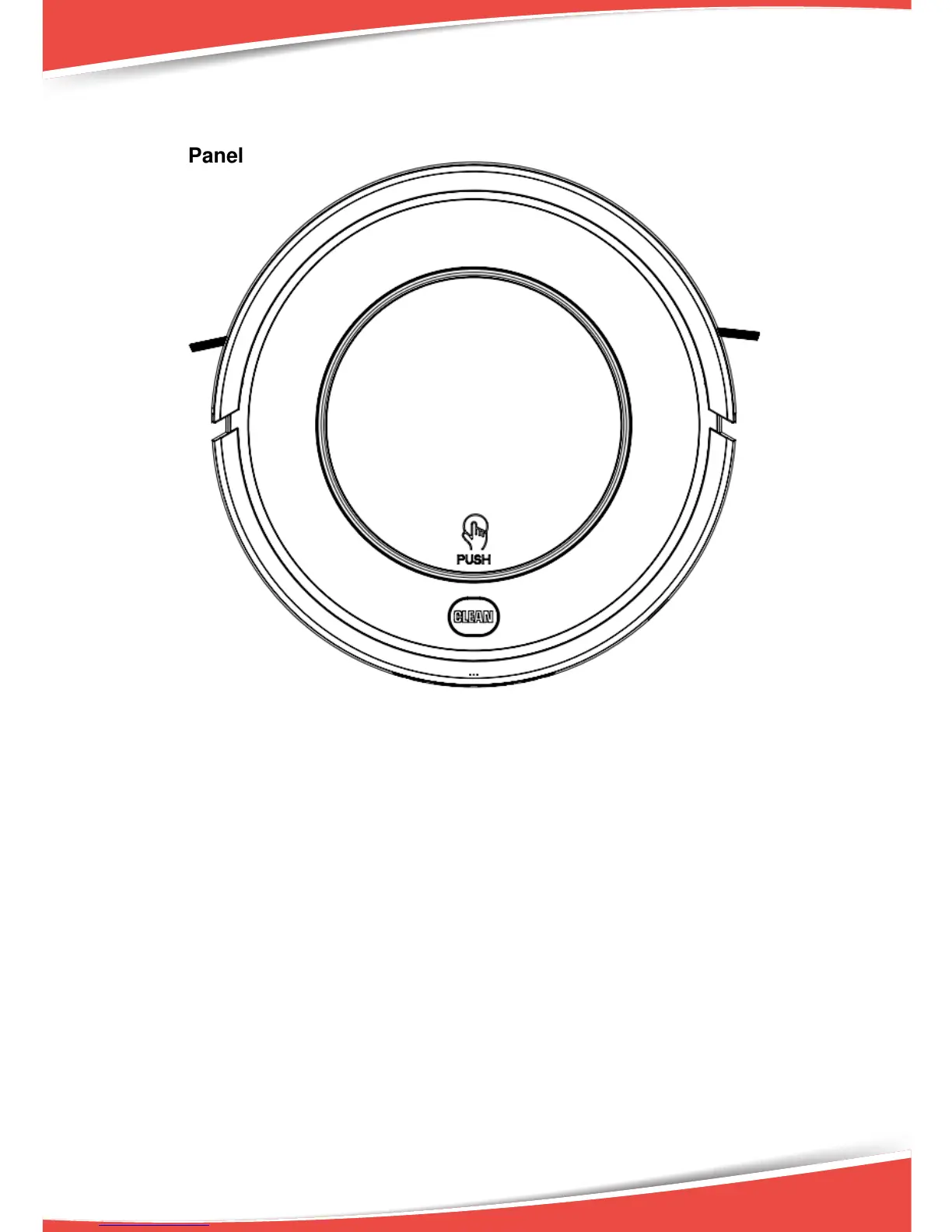
Display Panel
A. Switch on robot, press CLEAN button or ON/OFF on remote, robot will beep
twice and enter in standby status, the indicator will flash blue.
B. Press CLEAN button or ON/OFF on remote again, robot will beep three times
and the indicator will flash blue quickly, if its function is normal, robot will start
cleaning, and the indicator stay blue during cleaning.
C. If the robot is malfunctioned, its indicator will be in different status with
different color (please see details in troubleshooting).
D. The indicator will display quick red flash when the robot is low power.
E. While charging (by charging station or adapter), indicator will flash red. After
fully charged, robot will beep five times and indicator turns blue.
F. When the robot is successfully scheduled, the indicator will keep on pink for 2
seconds and beep once, then return to its original status.
G. Cancel scheduling, indicator will flash pink for 2 seconds and beep twice, then
return to its original status.
H. Press PLAN button on remote to check whether robot has already scheduled.
If yes, the indicator will keep on pink for 2 seconds and beep once, then return
to its original status. If no schedule, the indicator will have no change
but beep once.
7


 To Next Page