Qanba Lever Access Hole
• Provides access to the Qanba lever screw connected
to the ball top.
• Turn the Qanba lever access hole (16) cover counter-
clockwise and remove to gain access.
• Replace the Qanba lever access hole (16) cover and
turn clockwise to close the access hole.
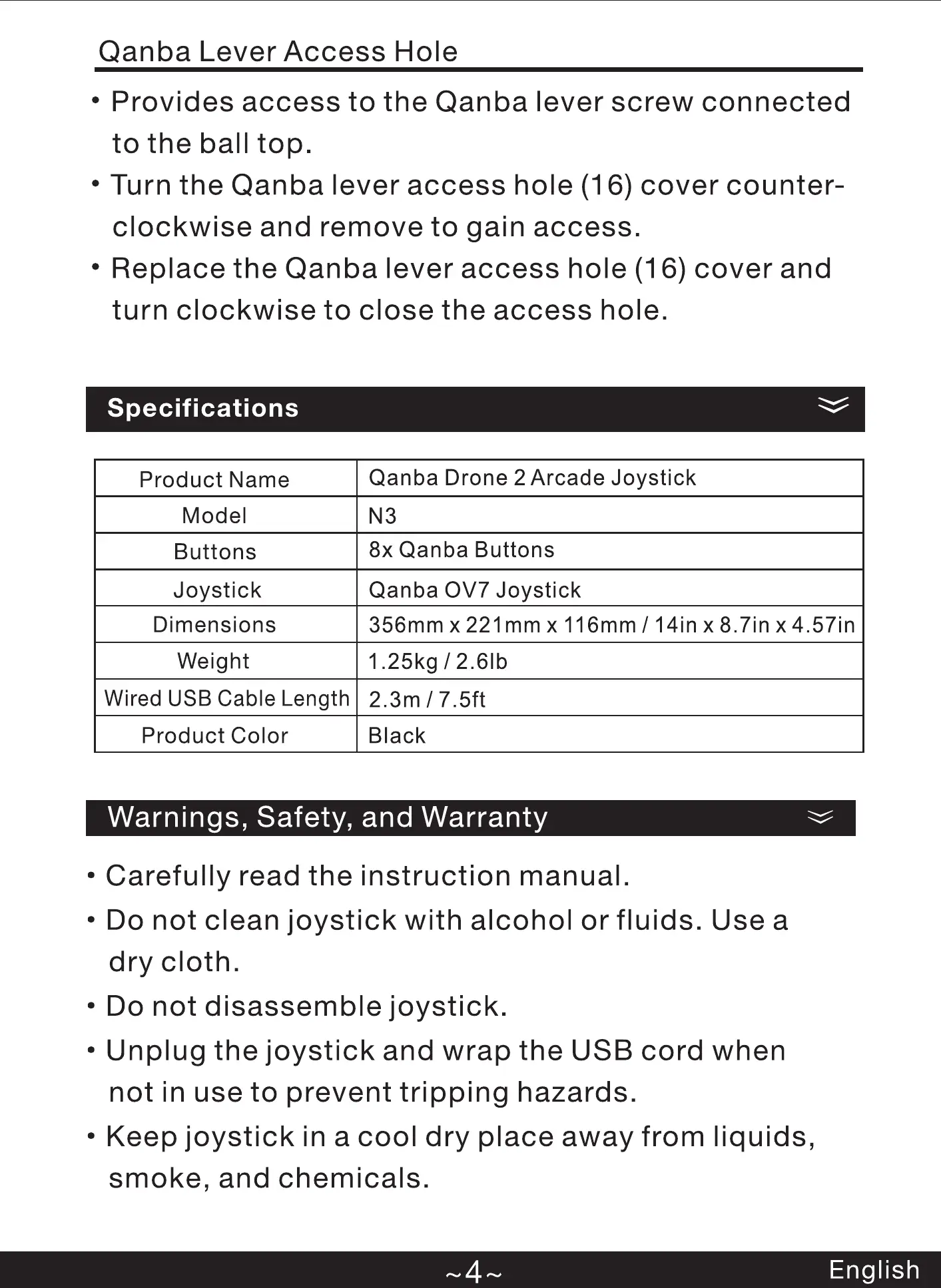
Specifications
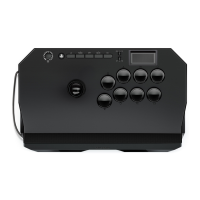
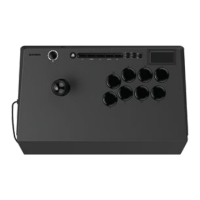
Qanba Drone 2 Arcade Joystick
Product Name
Model N3
8x Qanba Buttons
Buttons
Joystick Qanba OV7 Joystick
Dimensions 356mm x 221 mm x 116mm / 14in x 8.7in x 4.57 in
Weight 1.25kg / 2.61b
Wired USB Cable Length
2.3m/7.5ft
Product Color Black
Warnings, Safety, and Warranty
• Carefully read the instruction manual.
• Do not clean joystick with alcohol or fluids. Use a
dry cloth.
• Do not disassemble joystick.
• Unplug the joystick and wrap the USB cord when
not in use to prevent tripping hazards.
• Keep joystick in a cool dry place away from liquids,
smoke, and chemicals.
English
"eb", "PS5", "PS4", and "PlayStation'
are registered trademarks or trademarks of
Sony Interactive Entertainment Inc.
All other trademarks are the property
of their respective owners. Manufactured and
distributed under license from Sony Interactive
Entertainment.
and
are registered trademarks of Shenzhen
Qanba Technology Development Co., Ltd and are used
under license.
Qanba USA, LLC
1445 S Tippecanoe Ave
Suite 100
San Bernardino, CA. 92408
United States
www.qanbausa.com
AANBA
English
• Do not keep joystick in hot climates such as the
trunk of your car in summer heat for prolonged
periods of time.
• Do not stack other items on top of joystick.
• Retain the instruction manual for future reference.
• Commercial use of this product is prohibited.
• Joystick design and specifications are subject to
change without notice.
• Product is not suitable for children under 12 years
of age.
• Qanba USA, LLC will repair or replace product at its
discretion 12 months from purchase date.
• Telephone Support USA : (888) 525-8783
Compliance Information
This product complies with the following compliance
and safety testing:
• USB: 2.0 compliant
• FCC: This device complies with part 15 of the FCC
Rules. Operation is subject to the following two
conditions: (1) This device may not cause harmful
interference, and (2) this device must accept any
interference received, including interference that
may cause undesired operation.
English


 To Next Page
 Loading...