4
Connection
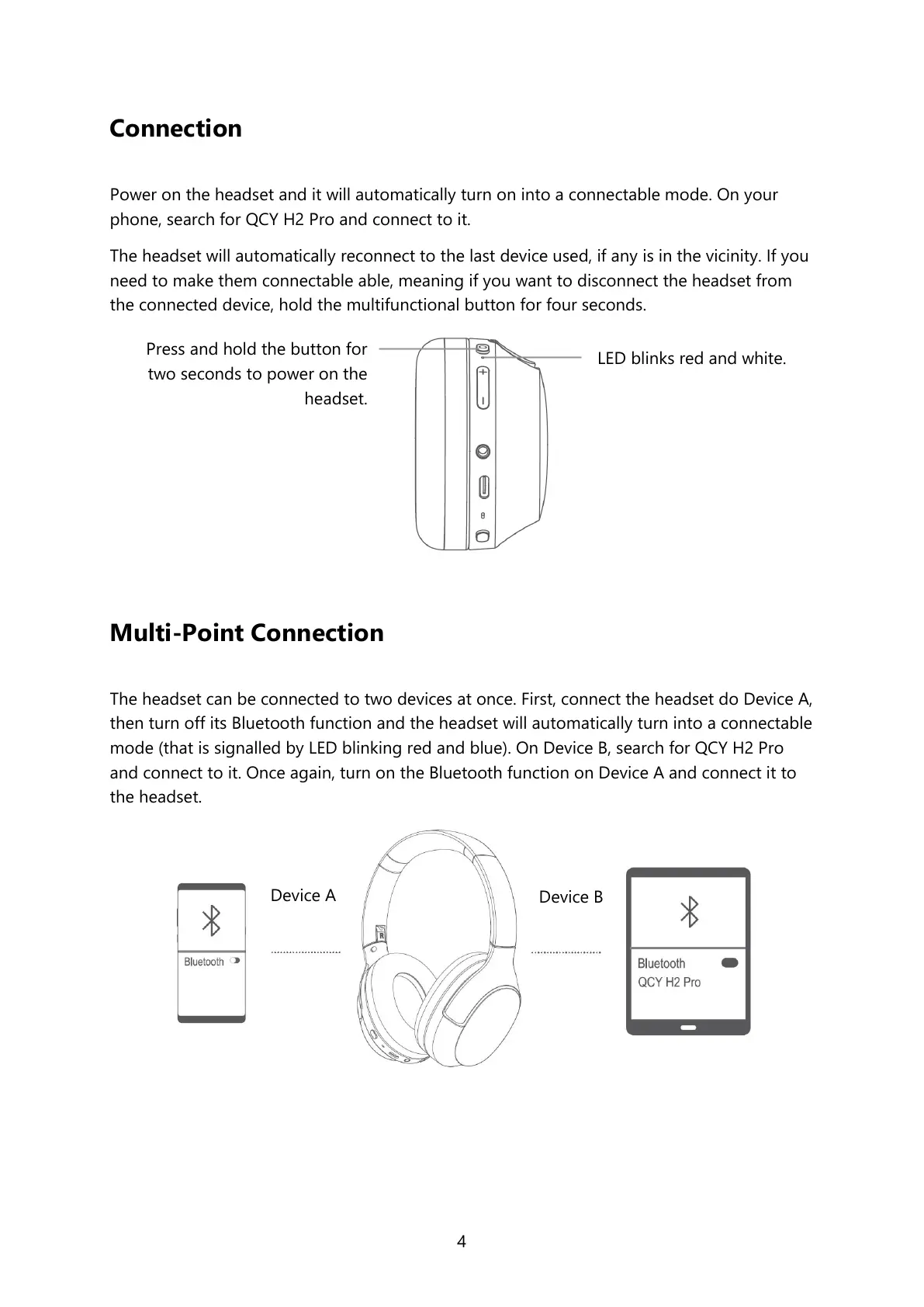
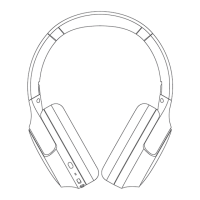
Power on the headset and it will automatically turn on into a connectable mode. On your
phone, search for QCY H2 Pro and connect to it.
The headset will automatically reconnect to the last device used, if any is in the vicinity. If you
need to make them connectable able, meaning if you want to disconnect the headset from
the connected device, hold the multifunctional button for four seconds.
Multi-Point Connection
The headset can be connected to two devices at once. First, connect the headset do Device A,
then turn off its Bluetooth function and the headset will automatically turn into a connectable
mode (that is signalled by LED blinking red and blue). On Device B, search for QCY H2 Pro
and connect to it. Once again, turn on the Bluetooth function on Device A and connect it to
the headset.
LED blinks red and white.
Press and hold the button for
two seconds to power on the
headset.


 To Next Page