5
Factory Settings
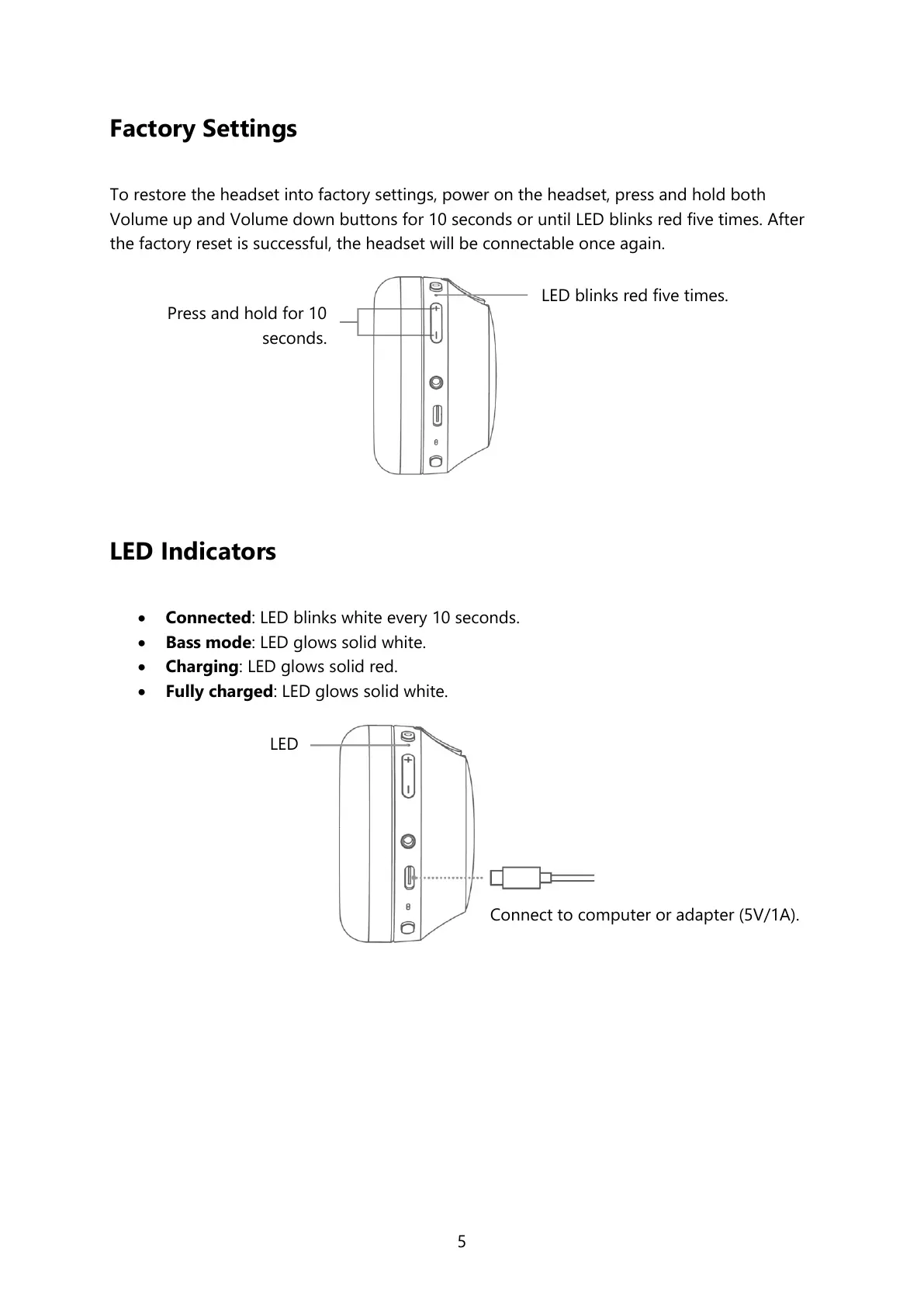
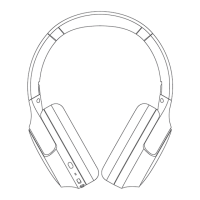
To restore the headset into factory settings, power on the headset, press and hold both
Volume up and Volume down buttons for 10 seconds or until LED blinks red five times. After
the factory reset is successful, the headset will be connectable once again.
LED Indicators
Connected: LED blinks white every 10 seconds.
Bass mode: LED glows solid white.
Charging: LED glows solid red.
Fully charged: LED glows solid white.
Press and hold for 10
seconds.
LED blinks red five times.
Connect to computer or adapter (5V/1A).


 To Next Page