9
IMPORTANT:
The gate ships with a cable tie holding it together. Please
keep this cable tie in place until after Step 10 to make
installation a lot easier!
Step 1
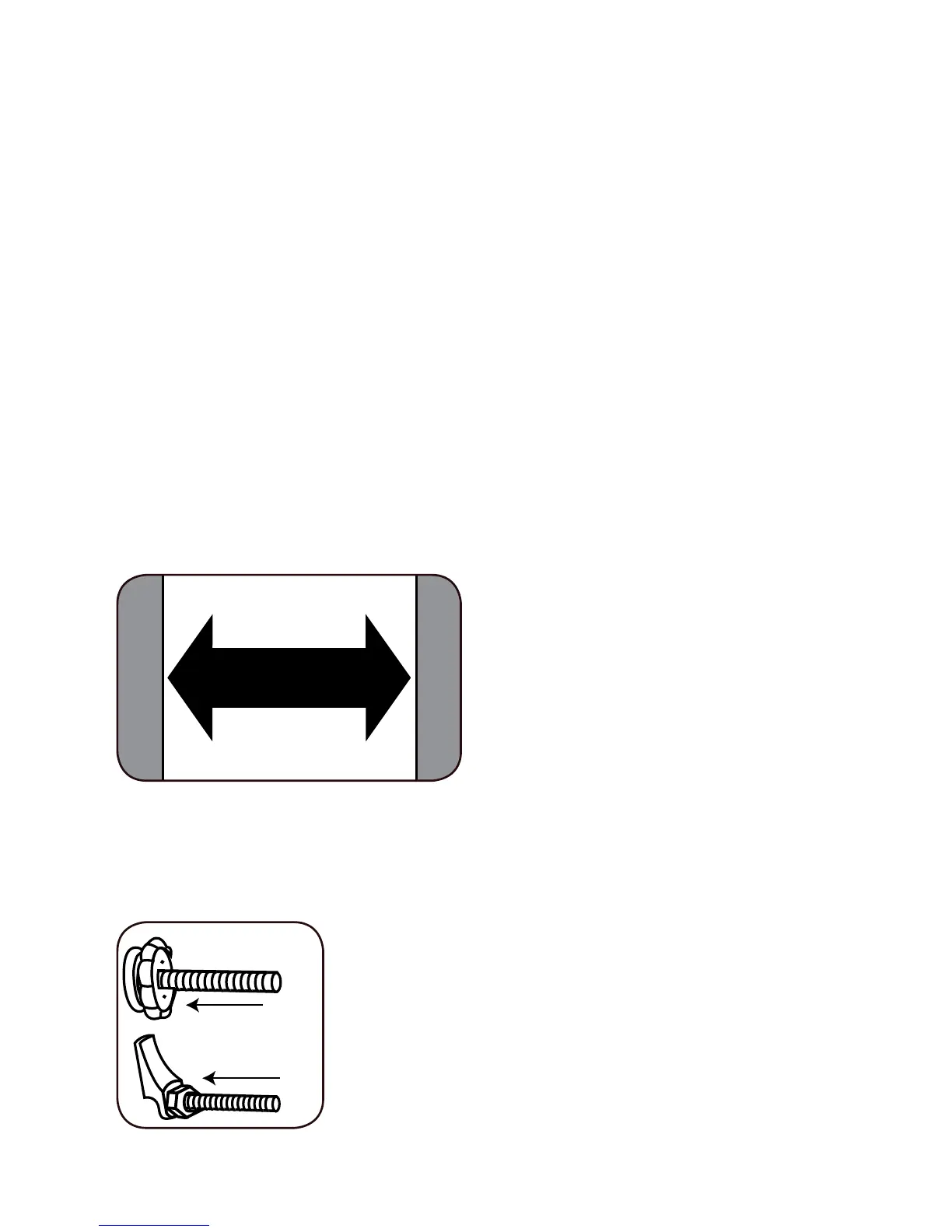
Measure the opening to determine if extensions are
needed, please see OPENING SIZE and EXTENSION
requirements on page 4.
If no extensions are needed continue to Step 2.
If extensions are needed, please go to page 14 about how
to add the extensions before installing the gate in the
opening.
The maximum width of
48” (122 cm) uses the
maximum allowed numbers
of extensions - 6.
Step 2
Before inserting the dierent spindles,
make sure the handwheel or nut is
screwed all the way out towards the
spindle head.


 To Next Page