98
Qì Harmony / User Manual
Qì Harmony / User Manual
Instructions for using the humidier
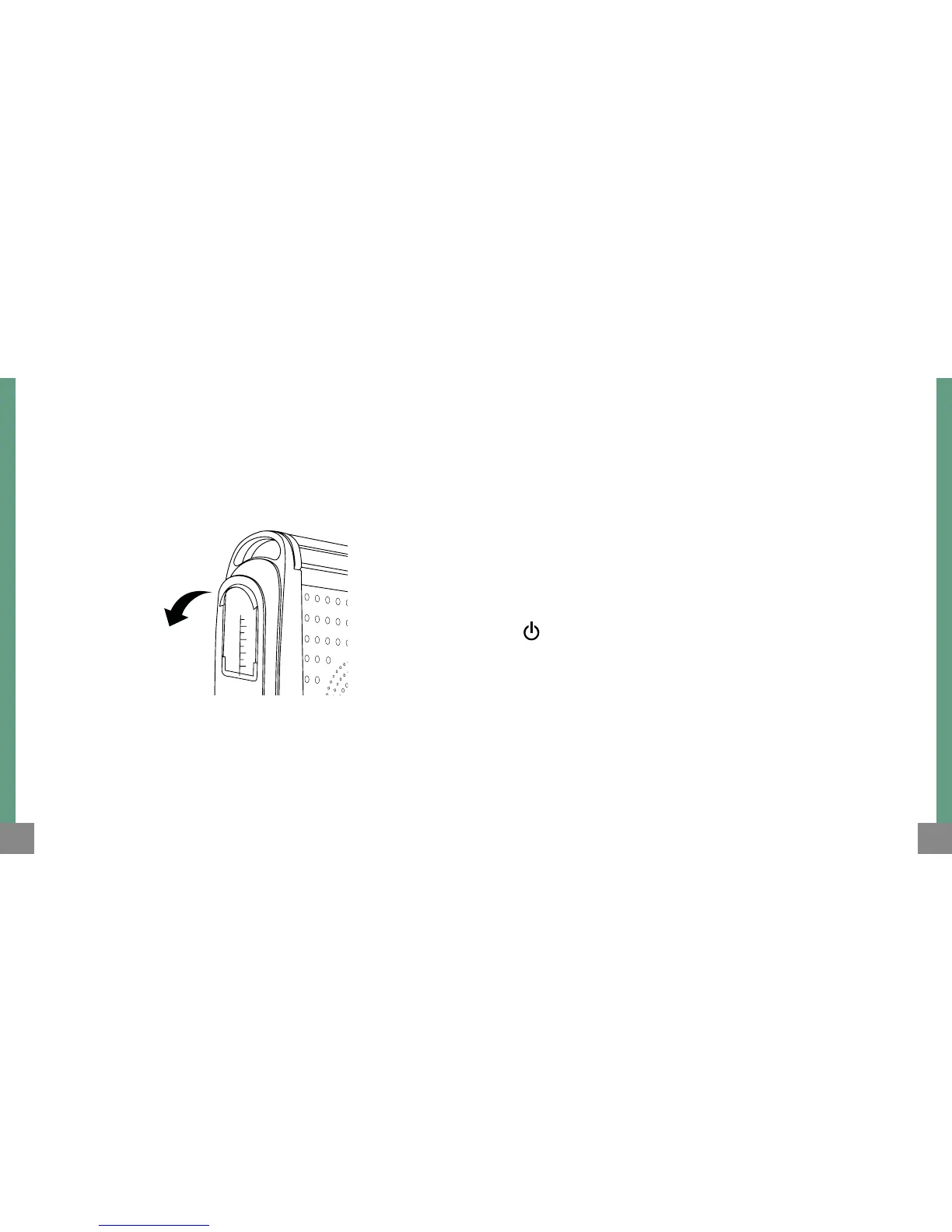
1. Remove the water compartment from the humidier.
2.
Fill the water compartment of the humidier (make sure that the level
of water is less than the maximum indicated to avoid spilling water).
Operation of the heater
To turn the heater on, press the power button. The unit will stay on hold.
To turn o, press the power button again.
Water compartment
(Humidier)
3.
Put the water compartment back into the humidier taking care
not to damage it.
4. Use only distilled or demineralised water.
Description of the functions of the digital
control panel and control remote unit
When the heater is turned on with the electronic control switch
marked On/O, you can choose this function by gently pressing this
button (Hold/Operating).
ON / OFF
When the unit is on hold it will start to operate emitting warm air when
you press the “On/O” button, and the corresponding light indicator
will turn on.
When the unit is operating, it will go on hold when you press the “On/
O” button, shutting down all operations and the corresponding light
indicator will turn o.



 To Next Page