Starting Up
QIDI
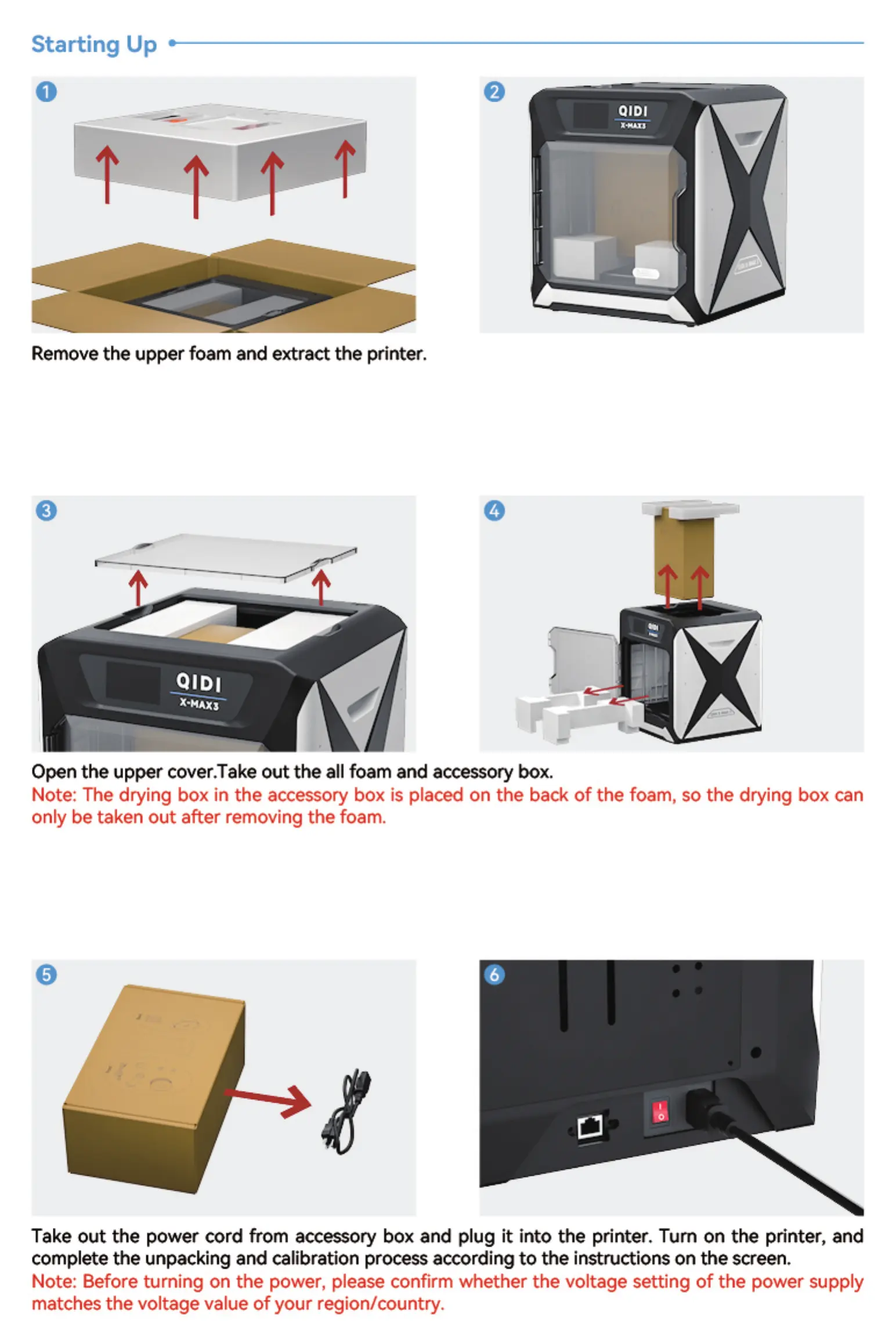
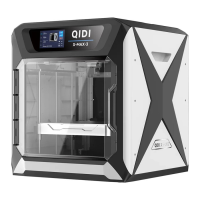
Remove the upper foam and extract the printer.
QIDI
X.MAXS
Open the upper cover.Take out the all foam and accessory box.
Note: The drying box in the accessory box is placed on the back of the foam, so the drying box can
only be taken out after removing the foam.
Take out the power cord from accessory box and plug it into the printer. Tum on the printer, and
complete the unpacking and calibration process according to the instructions on the screen.
Note: Before turning on the power, please confirm whether the voltage setting of the power supply
matches the voltage value of your region/oountry.


 To Next Page