Starting Up
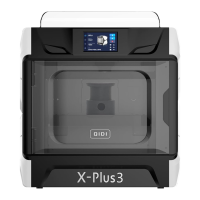
x-Plus3
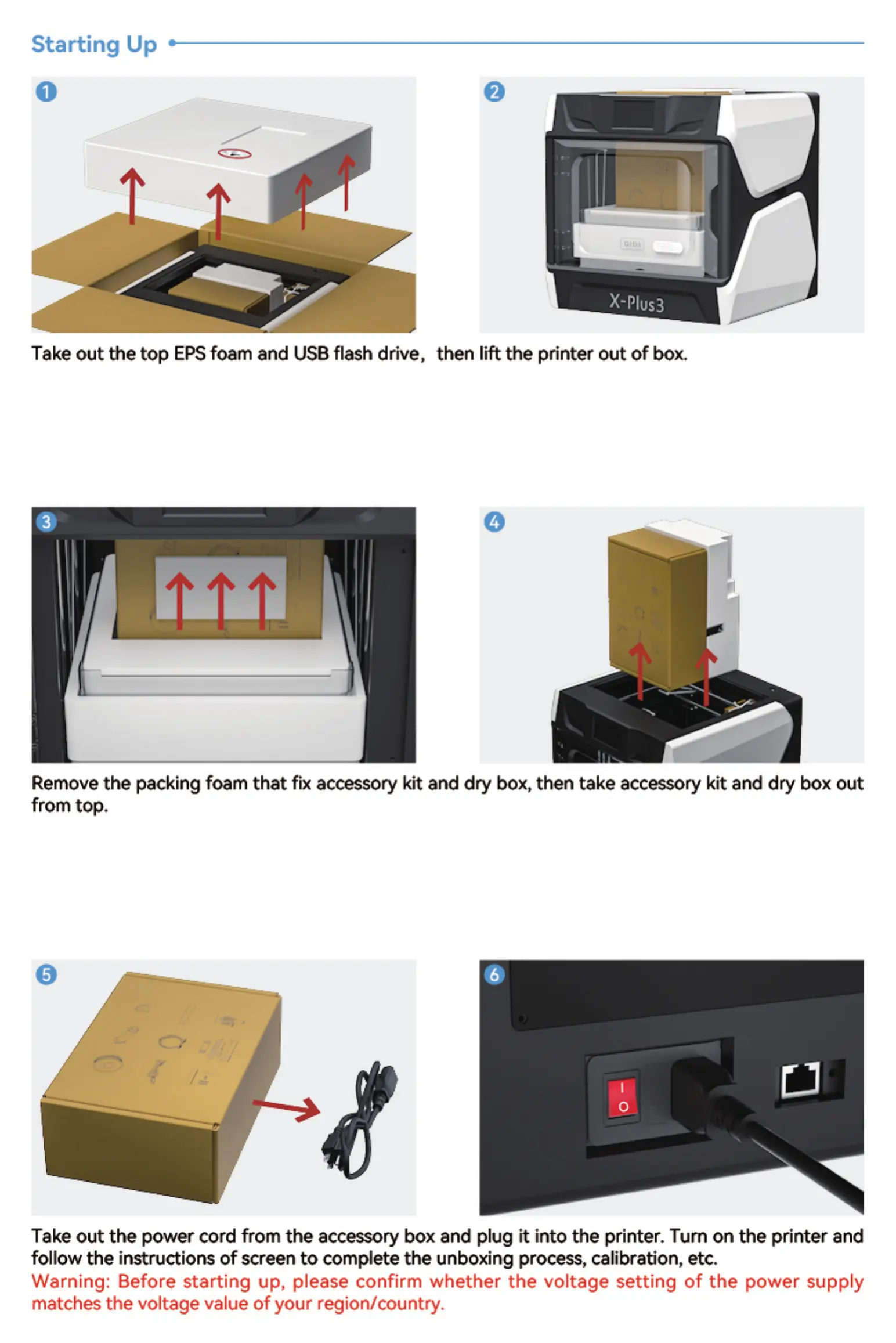
Take out the top EPSfoam and USB flash drive, then lift the printer out of box.
Remove the packing foam that fix accessory kit and dry box, then take accessory kit and dry box out
from top,
Take out the power cord from the accessory box and plug it into the printer. Tum on the printer and
follow the instructions of screen to complete the unboxing process, calibration, etc.
Warning: Before starting up, please confirm whether the voltage setting of the power supply
matches the voltage value of your region/oountry.


 To Next Page