EasyManua.ls Logo

Qihan PTZ - User Manual

Default Icon
44 pages
Print Icon
To Next Page IconTo Next Page
Loading...
3
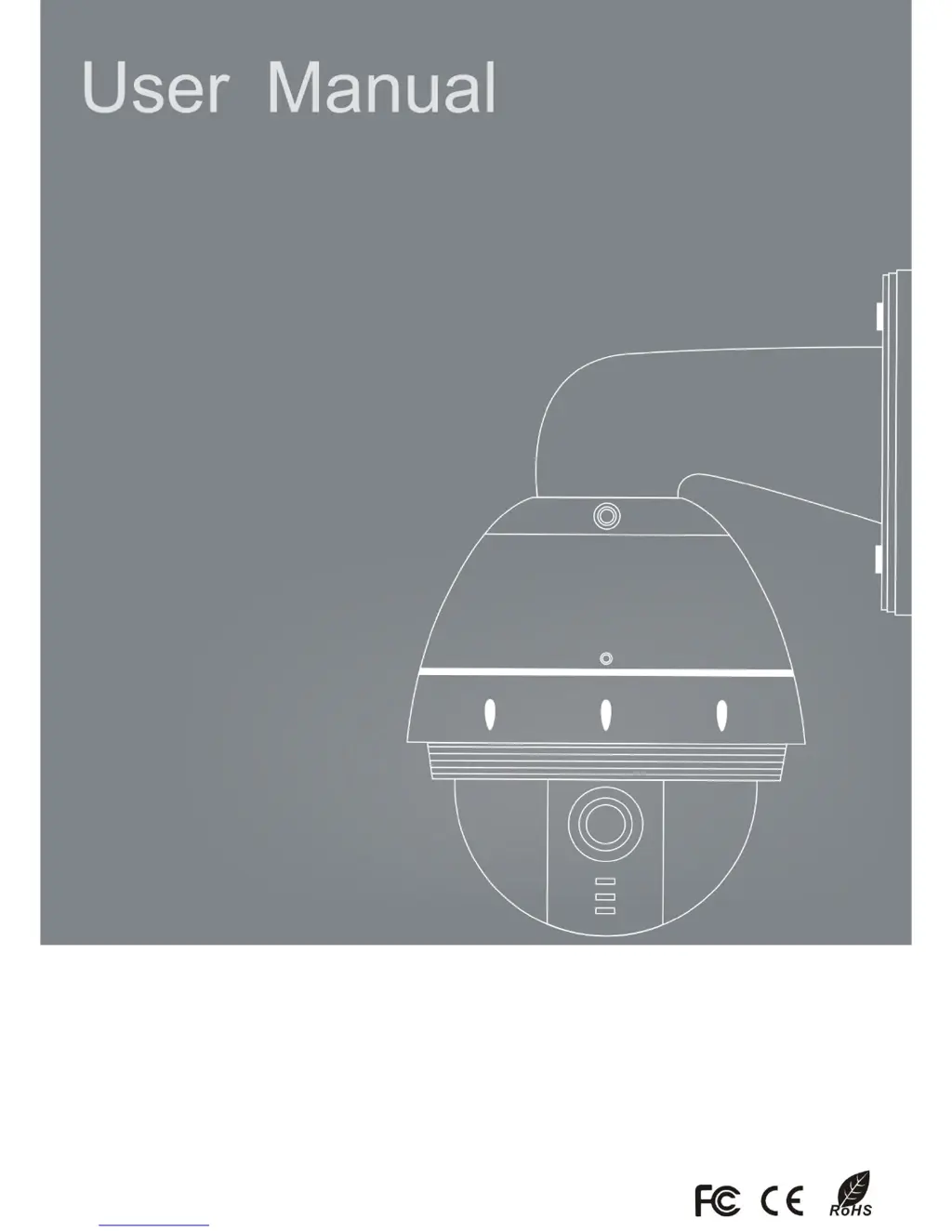
Intelligent High Speed Dome

Questions and Answers

  • C
    Christina KnightAug 19, 2025
    How to fix insensitive control of Qihan PTZ dome device?
    • P
      pjonesAug 19, 2025
      If the Qihan Other dome device control is insensitive, it may be due to overload, too long distance transmission, improper contact of the control cable, a damaged slip ring, or broken RS-485 protective discharge arresters. Try adding a driver, checking the circuit, replacing the slip ring, or changing the 485 protective discharge arresters.
  • M
    Michelle MossAug 21, 2025
    Why I cannot control Qihan PTZ Other after normal self-test?
    • F
      fernandezmaryAug 21, 2025
      If the self-test of the Qihan Other is normal, but you cannot control it, the issue might be due to a wrong setting or improper connection of the control cable. Try setting the protocol, baud rate, and address of the dome device, and check the circuit.
  • R
    raymondsanchezAug 23, 2025
    What to do if Qihan Other has no motion and no image after power on?
    • T
      Tyler MorganAug 25, 2025
      If your Qihan Other shows no motion and no image after powering on, the issue could stem from several causes. First, check if the power cable is properly connected to a AC24V power source. If the connection is correct, the problem might be a fault of the power PCB of the dome device, disconnected slip ring power wires, or a fault of the main control board. Consider changing the power PCB, slip ring, or main control board.
  • B
    beverly97Aug 26, 2025
    How to resolve distorted character or image on Qihan Other?
    • S
      Sarah HessAug 26, 2025
      If you are experiencing distorted characters or images on your Qihan Other, it may be interfered by exterior electronic signal (noise) or the camera is directed to the monitor screen, or a system malfunction. Ground the dome device, shut off surrounding electronic devices, rotate the camera, or restart the dome device.
  • J
    Jacob ParkAug 28, 2025
    Why Qihan PTZ Other rotates but shows no character or image after power on?
    • J
      Jennifer BlanchardAug 28, 2025
      If the Qihan Other dome device rotates normally after power on, but no character or image is displayed, the character monitor switch might be off, or there may be an improper connection between the camera and dome device. Try switching on the character monitor according to the menu instruction or replacing the FFC cable or the camera.
  • S
    sampsonbrianAug 30, 2025
    Why Qihan PTZ Other cannot stop pan rotation?
    • D
      Dominic MelendezAug 30, 2025
      If the Qihan Other cannot stop pan rotation, and rotates and stops alternatively, the OSD board might not be properly connected with the main control board, the photoelectric switch is broken, or the pan interrupter is not in the due position. Try fixing the OSD board again, replacing it if the problem persists, or adjusting the pan interrupter.
  • A
    andrea14Sep 1, 2025
    Why menu cannot be displayed after self-test of Qihan PTZ Other?
    • L
      Lori GarciaSep 1, 2025
      If the menu cannot be displayed after the self-test of the Qihan Other dome device, it might be due to a wrong operation or a fault of the OSD control board. Try CALL+90+ENTER to open the menu or change the OSD board.
  • A
    amanda04Sep 4, 2025
    What to do if Qihan Other has no self-test and motor is locked after power on?
    • T
      Tiffany KimSep 4, 2025
      If there is no self-test and the motor is locked after powering on the Qihan Other, the system setting might be set to start self-test after receiving a command. Connect the controller and set the correct transmission protocol and baud rate, as well as the dome device address.
  • J
    Jacob RileySep 6, 2025
    Why vertical range of Qihan Other is not within 90±2 degree?
    • M
      Mrs. Elizabeth Serrano MDSep 6, 2025
      If the vertical range of the Qihan Other is not within 90±2 degrees with large deviation, it may be caused by an obstacle of camera or other object, which lead to early tilt movement. Check and adjust the mechanical installation.
  • R
    Rodney RomeroSep 8, 2025
    What causes call out function to fail on Qihan Other?
    • B
      breannareyesSep 9, 2025
      If the call out function fails on your Qihan Other, it could be due to system failure caused by noise interference. Try restarting the dome device.

Summary

Precautions

Product Overview

Performance Instruction

Details the operational specifications and capabilities of the dome device.

Featured Functions Instruction

Highlights the advanced features and functionalities of the intelligent high speed dome.

Wiring and Setup of Dome System

Wiring of Dome System

Provides detailed instructions and diagrams for connecting the dome device system.

Setting of Dome Device Communication

Guides on configuring communication protocols and transmission speeds for the dome device.

Fast Operation Guide of Dome Device

Initial Setup

Covers wiring, setting communication protocol, baud rate, and device address.

Installation and Connection

Instructions for installing the camera, connecting power, and setting up the controller.

Testing and Verification

Procedures for performing functional tests and summarizing the results.

Operation Menu of Dome Device

Menu Navigation and Basic Settings

Instructions for menu operation, language, display, sector, and coordinate settings.

Camera and Movement Control

Settings for camera exposure, focus, zoom, and dome movement controls.

System and Communication Configuration

System options, communication settings, color system, and dome information.

Advanced Programming and Automation

Programming PTZ tours, vector scans, alarms, assignments, and power timers.

User and Security Management

Managing user accounts, master setup, operator setup, authorizations, and date/time.

Trouble Shooting of Dome Device

Short-cut Operations and Specifications

System Preset Short-cut Table

Table detailing short-cut operations linked to preset points.

User Logon and Menu Access

Procedures for user login and accessing OSD menus for dome and camera.

Special Functions Explained

Explanations of 'cruise track', 'Line-Scanning', and manual pan scan functions.

Main Technical Parameters

Qihan PTZ Specifications

General IconGeneral
Sensor1/2.8" Progressive Scan CMOS
Horizontal Rotation Range360°
Video Resolution1920x1080
Digital Zoom16X
WDR120dB
IR Distance100m
Ingress ProtectionIP66
TypePTZ
ApertureF1.6~F3.5
Pan Range360°
Tilt Range-15° to 90°
Minimum IlluminationColor: 0.05Lux @(F1.6, AGC ON); B/W: 0.01Lux @(F1.6, AGC ON)
Day/NightIR Cut Filter
Network InterfaceRJ45 10M/100M Ethernet
ProtocolsHTTP, SMTP, UPnP, DNS, DDNS, NTP, RTSP, TCP, UDP, DHCP, PPPoE
Power SupplyDC12V
Operating HumidityLess than 90% RH