EasyManua.ls Logo

Qilive Q.5147 - User Manual

Qilive Q.5147
188 pages
Print Icon
To Next Page IconTo Next Page
Loading...
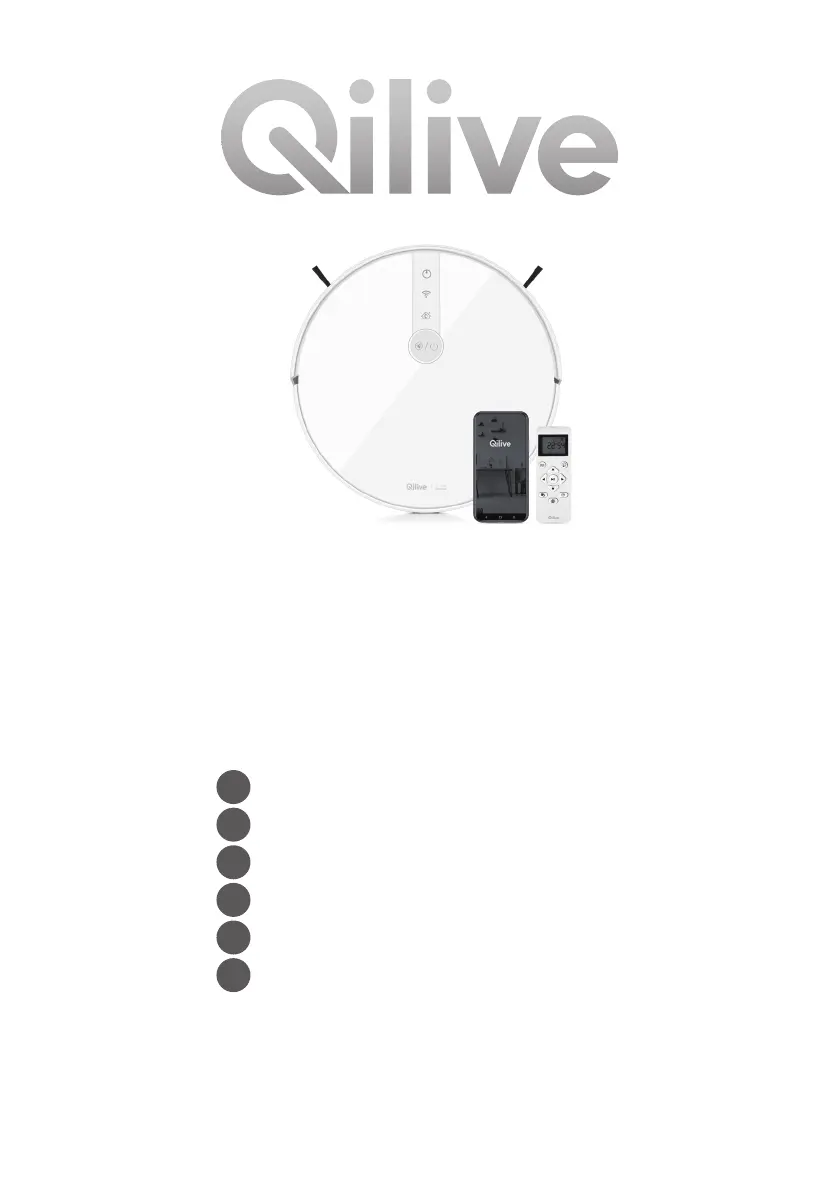
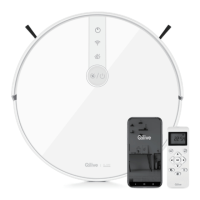
Connected robot
vacuum cleaner
Q.5147
FR
Robot aspirateur connecté
ES
Robot aspirador conectado
PT
Robô aspirador conectado
PL
Robot-odkurzacz sieciowy
HU
Csatlakoztatott robot porszívó
RO
Robot aspirator conectat

Questions and Answers

  • G
    grahamkristineSep 23, 2025
    Why does my Qilive Q.5147 always appear offline in the app?
    • V
      Vanessa RogersSep 23, 2025
      If your Qilive Vacuum Cleaner always appears offline in the app, check if your wireless network is working properly and the signal isn't too weak. Make sure the vacuum cleaner is within range of the Wi-Fi network. Also, check if the battery level is too low or completely discharged.
  • A
    Annette MurphyAug 23, 2025
    What to do if my Qilive Q.5147 Vacuum Cleaner gets stuck?
    • D
      Daniel SanchezAug 23, 2025
      If your Qilive Vacuum Cleaner is getting stuck, remove all small objects from the floor and tidy the cleaning area before starting the robot. Note that this vacuum cleaner is not suitable for carpets with long threads. Then, move the robot to a different location and press the ON/OFF button to restart the cleaning program.
  • M
    Marie SantosAug 25, 2025
    How to charge Qilive Q.5147 Vacuum Cleaner when the battery is low?
    • D
      delacruzrebeccaAug 26, 2025
      If the battery level of your Qilive Vacuum Cleaner is too low, the robot needs to be charged. Manually position the robot on the charging station, ensuring that the charging contacts of the robot are properly aligned with the pins of the charging station.
  • D
    David FinleyAug 27, 2025
    Why is the suction power weak on my Qilive Q.5147?
    • J
      Jodi MaldonadoAug 27, 2025
      If your Qilive Vacuum Cleaner has weak suction and leaves dust behind, check for obstructions blocking the suction port. Empty the dust container and clean the dust filters. Check if the filters are wet or need replacement. Also, inspect and clean the robot brushes, removing any hair or debris.
  • J
    James DavidsonAug 27, 2025
    How to fix Qilive Q.5147 when it fails to connect to the server?
    • E
      Erin CooperAug 28, 2025
      If your Qilive Vacuum Cleaner fails to connect to the server, verify that your wireless network is working properly and the signal isn't too weak. Ensure the router is in an open area and not too far from the robot. Check that the password entered is correct and try connecting again.
  • N
    nicholasdeckerSep 18, 2025
    Why doesn't my Qilive Vacuum Cleaner clean automatically at the scheduled time?
    • S
      stevensjeffreySep 18, 2025
      If your Qilive Vacuum Cleaner does not clean automatically at the scheduled time, check that the device is switched on. Press the ON/OFF button on top of the robot for a few seconds until you hear a signal and the indicator light comes on. Also, ensure the battery level is above 30% to start a scheduled cleaning.
  • J
    Joshua ClaySep 15, 2025
    Why is my Qilive Q.5147 making unusual noises during cleaning?
    • B
      Blake HuberSep 15, 2025
      If your Qilive Vacuum Cleaner is making unusual noises during the cleaning program, it may be due to components being blocked with hair, dirt, or other materials. Check and clean the front bumper, side brushes, main brush, and wheels. Also, ensure that the dust container, water tank, side brushes, main brush, main brush cover, or wheels are properly installed.
  • J
    Jessica MitchellSep 16, 2025
    What to do if the main brush does not move on Qilive Q.5147 Vacuum Cleaner?
    • R
      Richard GoodSep 16, 2025
      If the main brush on your Qilive Vacuum Cleaner does not move or is jammed, check if the rolling brush is broken or damaged. If needed, replace it with a new one. Clean the main brush and ensure it is installed correctly.
  • K
    Krista BaxterSep 6, 2025
    What to do if side brush is jammed on Qilive Q.5147 Vacuum Cleaner?
    • J
      Jacob HicksSep 6, 2025
      If one of the side brushes on your Qilive Vacuum Cleaner does not move or is jammed, check if the brush is tangled or jammed. Inspect the brushes for any signs of damage. If necessary, replace them with new ones. Ensure the side brushes are clean and correctly installed.
  • L
    Leslie YoungSep 3, 2025
    What to do if Qilive Q.5147 is on but not reacting?
    • W
      Wanda PayneSep 4, 2025
      If your Qilive Vacuum Cleaner is on but not reacting, check if the battery charging level is not too low. If you are using the app, check the Wi-Fi connection. If the problem persists, turn off the device, wait a few seconds, and then restart it.

Summary

1. SAFETY INFORMATION

2. TECHNICAL DATA

2.1 ADAPTOR TECHNICAL DATA

Technical specifications for the power adaptor.

3. DESCRIPTION

4.2 PACKAGE CONTENT

4.3 POSITIONING THE CHARGING STATION

4.4 CHARGING THE ROBOT

4.4.1-4.4.2 RECHARGING PROCEDURES

Procedures for automatic and manual robot recharging.

4.5 POWER ON;OFF, START;PAUSE, SLEEP

4.6 USING APP

4.6.1 APP SETUP AND WI-FI CONNECTION

Steps to download, sign up, and connect the QILIVE SMART app.

4.6.2 SELECTING CLEANING MODES

How to select different cleaning modes via the app.

4.6.3-4.6.11 APP MANAGEMENT FEATURES

App features for battery, manual control, schedules, location, settings, and sharing.

4.6.12 OTHER AVAILABLE OPTIONS

Additional app features like group control, notifications, and voice commands.

4.7 IMPORTANT TIPS BEFORE CLEANING

4.8 CLEANING MODES

4.8.1-4.8.3 CORE CLEANING MODES

Details on Auto, Single Room, and Edge cleaning modes.

4.8.4-4.8.6 ADDITIONAL CLEANING MODES

Manual, Spot, and optional Mopping modes for specific cleaning needs.

5. MAINTENANCE AND CLEANING

5.1 MAINTENANCE PROCEDURES

Procedures for maintaining robot performance by cleaning parts.

5.2 DUST BIN AND FILTER CLEANING

Instructions for emptying the dust bin and cleaning the dust filters.

5.2.3-5.2.8 COMPONENT CLEANING

How to clean rolling brush, side brushes, sensors, contacts, and wheels.

5.3 USING THE BOUNDARY STRIP

How to use the boundary strip to restrict cleaning areas.

5.4 GENERAL CLEANING INFORMATION

General guidelines and warnings for cleaning the robot and accessories.

5.5 REPLACING THE BATTERIES IN THE REMOTE CONTROL

6. TROUBLESHOOTING

7. GUARANTEES AND LIMITATIONS OF LIABILITY

Qilive Q.5147 Specifications

General IconGeneral
BrandQilive
ModelQ.5147
CategoryVacuum Cleaner
LanguageEnglish

Related product manuals