EasyManua.ls Logo

Qilive Q.5147 - User Manual

Qilive Q.5147
188 pages
Print Icon
To Next Page IconTo Next Page
Loading...
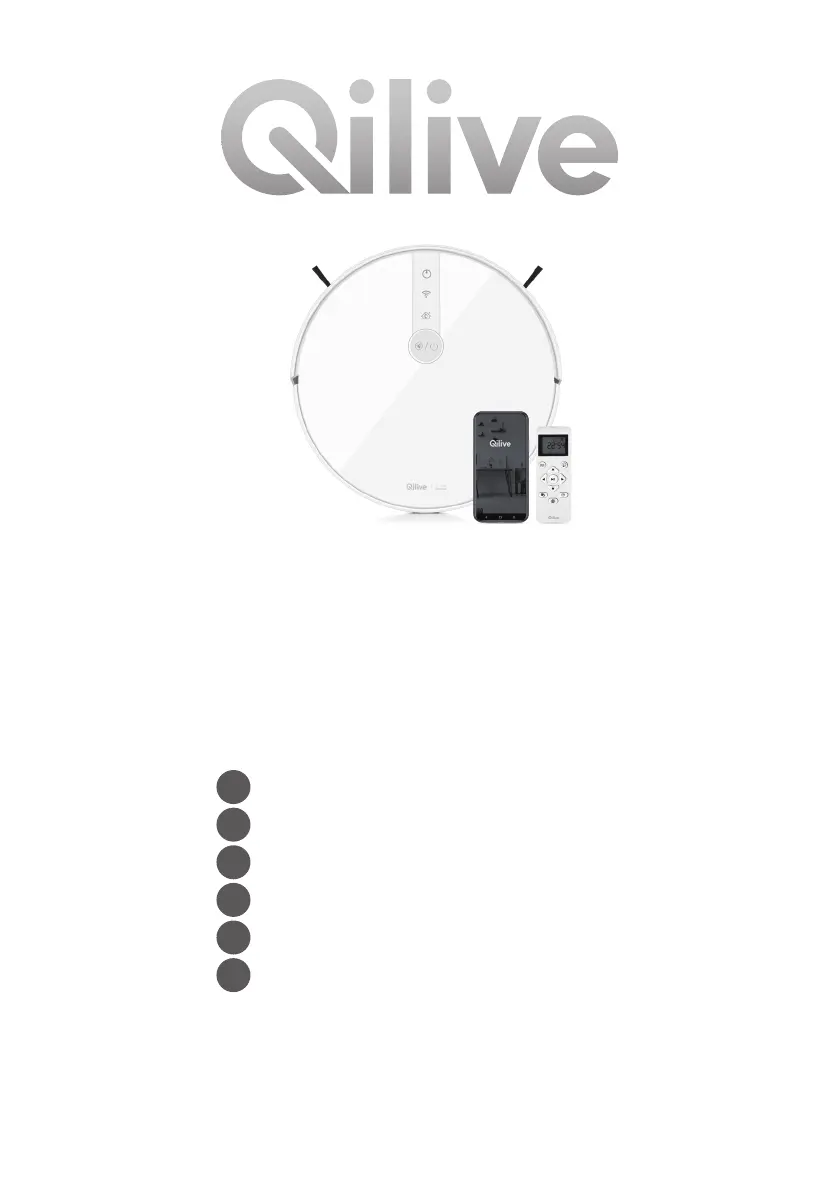
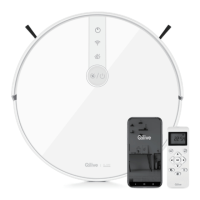
Connected robot
vacuum cleaner
Q.5147
FR
Robot aspirateur connecté
ES
Robot aspirador conectado
PT
Robô aspirador conectado
PL
Robot-odkurzacz sieciowy
HU
Csatlakoztatott robot porszívó
RO
Robot aspirator conectat

Questions and Answers

  • K
    Krista BaxterSep 6, 2025
    What to do if side brush is jammed on Qilive Q.5147 Vacuum Cleaner?
    • J
      Jacob HicksSep 6, 2025
      If one of the side brushes on your Qilive Vacuum Cleaner does not move or is jammed, check if the brush is tangled or jammed. Inspect the brushes for any signs of damage. If necessary, replace them with new ones. Ensure the side brushes are clean and correctly installed.
  • G
    Gina AndradeAug 22, 2025
    Why doesn't the remote control work for my Qilive Vacuum Cleaner?
    • K
      Kerry WeberAug 22, 2025
      If the remote control for your Qilive Vacuum Cleaner isn't working, the batteries may be depleted or installed incorrectly. Replace the batteries, ensuring they are correctly installed. Also, check if the vacuum cleaner's battery is low or completely discharged. Clean the infrared transmitter on the remote and the receiver on the robot with a dry cloth. Make sure to use the remote within 5 meters of the robot.
  • L
    Leslie YoungSep 3, 2025
    What to do if Qilive Q.5147 is on but not reacting?
    • W
      Wanda PayneSep 4, 2025
      If your Qilive Vacuum Cleaner is on but not reacting, check if the battery charging level is not too low. If you are using the app, check the Wi-Fi connection. If the problem persists, turn off the device, wait a few seconds, and then restart it.
  • M
    mandybirdSep 2, 2025
    What to do if the anti-drop sensors are dirty on Qilive Vacuum Cleaner?
    • W
      Warren LawrenceSep 2, 2025
      If the anti-drop sensors on your Qilive Vacuum Cleaner are dirty, or if the robot is stuck on a dark surface, wipe the sensors with a soft, dry, and clean cloth. If the robot is stuck on a dark surface, move it to another location and restart the cleaning program.
  • H
    Heather ReedSep 1, 2025
    Why can't my Qilive Q.5147 return to the charging station?
    • A
      afowlerSep 1, 2025
      To ensure your Qilive Vacuum Cleaner can return to the charging station, remove all objects within 1.5 meters in front and 0.5 meters on both sides of the charging station. Confirm the charging station is correctly positioned, properly connected to the power source, and the indicator light is on. If the robot is too far from the charging station, manually place it on the charging station.
  • A
    Andrew HayesAug 30, 2025
    What to do if the dust bin malfunctions on Qilive Q.5147?
    • L
      Lisa JeffersonAug 31, 2025
      If you are experiencing a dust bin malfunction with your Qilive Vacuum Cleaner, make sure the dust container cover is closed and the dust filters are installed correctly. Empty the dust container, clean the dust filters, and then reinstall the dust container on the robot according to the instructions.
  • J
    John TurnerAug 29, 2025
    How to turn on a Qilive Vacuum Cleaner if it does not work?
    • B
      Brandy WestAug 29, 2025
      If your Qilive Vacuum Cleaner does not work, first ensure that it is switched on. Press the ON/OFF button for a few seconds to switch on the device. If the battery charge level is too low, place the robot on the charging station and make sure the pins are aligned with the metal contacts on the robot.
  • J
    James DavidsonAug 27, 2025
    How to fix Qilive Q.5147 when it fails to connect to the server?
    • E
      Erin CooperAug 28, 2025
      If your Qilive Vacuum Cleaner fails to connect to the server, verify that your wireless network is working properly and the signal isn't too weak. Ensure the router is in an open area and not too far from the robot. Check that the password entered is correct and try connecting again.
  • D
    David FinleyAug 27, 2025
    Why is the suction power weak on my Qilive Q.5147?
    • J
      Jodi MaldonadoAug 27, 2025
      If your Qilive Vacuum Cleaner has weak suction and leaves dust behind, check for obstructions blocking the suction port. Empty the dust container and clean the dust filters. Check if the filters are wet or need replacement. Also, inspect and clean the robot brushes, removing any hair or debris.
  • M
    Marie SantosAug 25, 2025
    How to charge Qilive Q.5147 Vacuum Cleaner when the battery is low?
    • D
      delacruzrebeccaAug 26, 2025
      If the battery level of your Qilive Vacuum Cleaner is too low, the robot needs to be charged. Manually position the robot on the charging station, ensuring that the charging contacts of the robot are properly aligned with the pins of the charging station.

Summary

1. SAFETY INFORMATION

2. TECHNICAL DATA

2.1 ADAPTOR TECHNICAL DATA

Technical specifications for the power adaptor.

3. DESCRIPTION

4.2 PACKAGE CONTENT

4.3 POSITIONING THE CHARGING STATION

4.4 CHARGING THE ROBOT

4.4.1-4.4.2 RECHARGING PROCEDURES

Procedures for automatic and manual robot recharging.

4.5 POWER ON;OFF, START;PAUSE, SLEEP

4.6 USING APP

4.6.1 APP SETUP AND WI-FI CONNECTION

Steps to download, sign up, and connect the QILIVE SMART app.

4.6.2 SELECTING CLEANING MODES

How to select different cleaning modes via the app.

4.6.3-4.6.11 APP MANAGEMENT FEATURES

App features for battery, manual control, schedules, location, settings, and sharing.

4.6.12 OTHER AVAILABLE OPTIONS

Additional app features like group control, notifications, and voice commands.

4.7 IMPORTANT TIPS BEFORE CLEANING

4.8 CLEANING MODES

4.8.1-4.8.3 CORE CLEANING MODES

Details on Auto, Single Room, and Edge cleaning modes.

4.8.4-4.8.6 ADDITIONAL CLEANING MODES

Manual, Spot, and optional Mopping modes for specific cleaning needs.

5. MAINTENANCE AND CLEANING

5.1 MAINTENANCE PROCEDURES

Procedures for maintaining robot performance by cleaning parts.

5.2 DUST BIN AND FILTER CLEANING

Instructions for emptying the dust bin and cleaning the dust filters.

5.2.3-5.2.8 COMPONENT CLEANING

How to clean rolling brush, side brushes, sensors, contacts, and wheels.

5.3 USING THE BOUNDARY STRIP

How to use the boundary strip to restrict cleaning areas.

5.4 GENERAL CLEANING INFORMATION

General guidelines and warnings for cleaning the robot and accessories.

5.5 REPLACING THE BATTERIES IN THE REMOTE CONTROL

6. TROUBLESHOOTING

7. GUARANTEES AND LIMITATIONS OF LIABILITY

Qilive Q.5147 Specifications

General IconGeneral
BrandQilive
ModelQ.5147
CategoryVacuum Cleaner
LanguageEnglish

Related product manuals