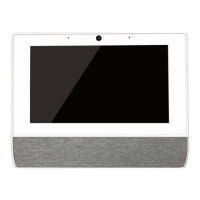
IQ Hub v1.1
14/ 23
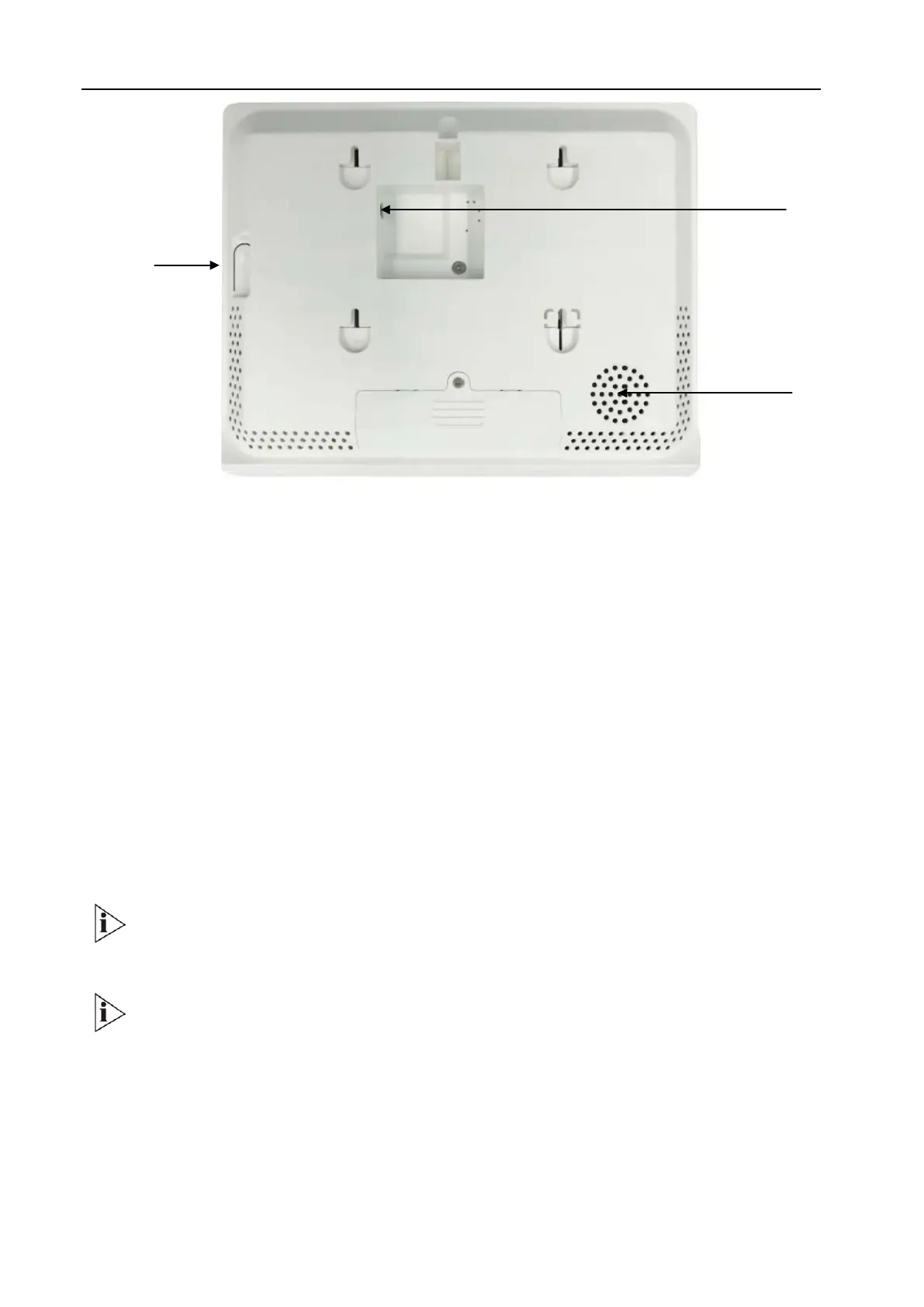
Back View
3.4 Dimension
Whole device Size: 196.4x155x25.6mm
3.5 Power/Sleep/Wake Button
Power/Sleep/Wake Button
When you are not using the panel, you can turn off the display by press button
Lock IQ Hub
Press the Power/Sleep/Wake button
Unlock IQ Hub
Press the Power/Sleep/Wake button to wake from sleep, then drag the slider.
Turn IQ Hub on from power-off
Press and hold the Power/Sleep/Wake button until logo appears.
Never apply excessive pressure to a button, because this may cause unexpecteddamage
that is not covered under the warranty
IQ Hub cannot be turned off by pressing the button
Power/Sleep/
Wake button
Buzzer


 To Next Page
 Loading...