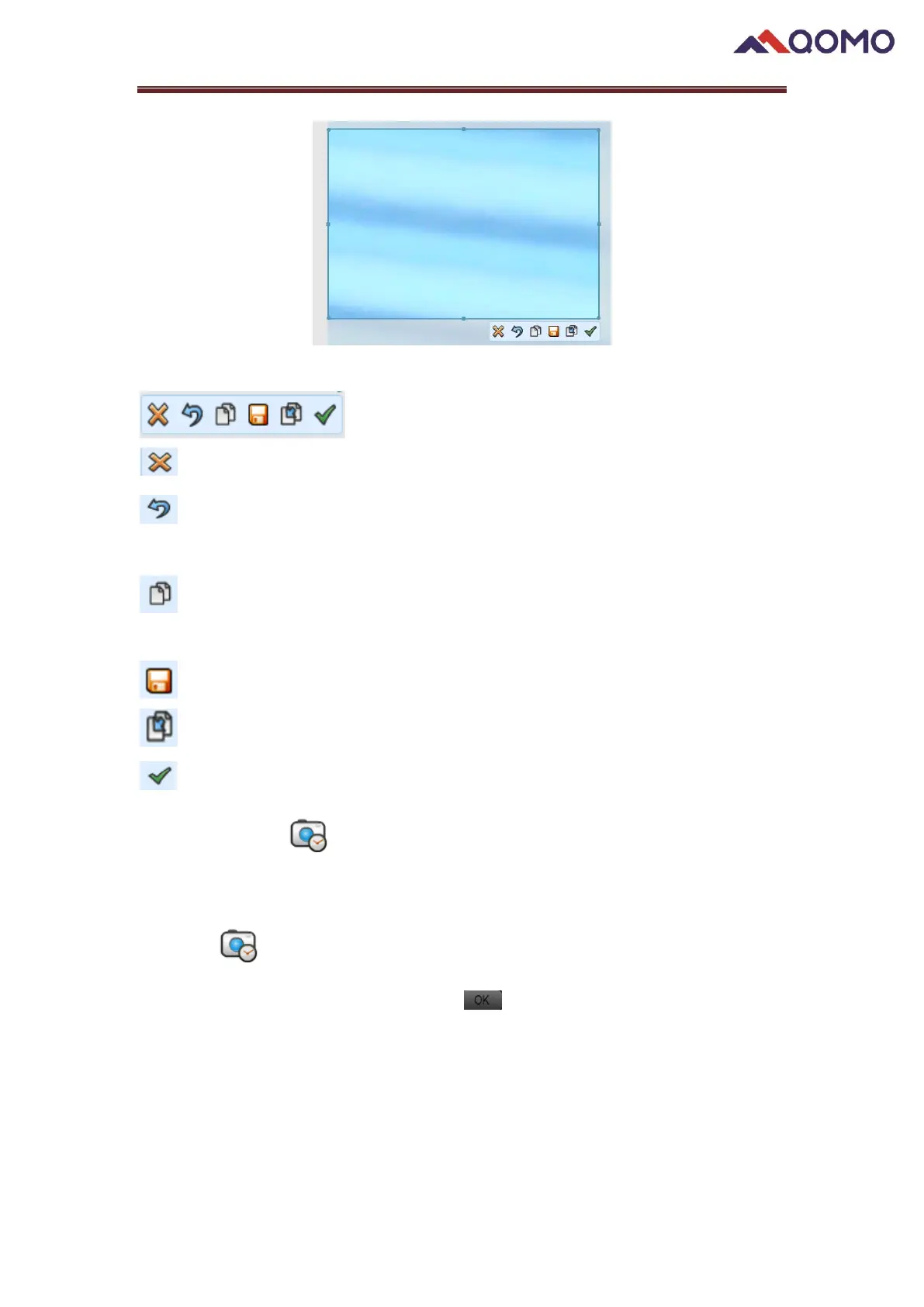
At the right bottom of the capture screen shows menus for different functions.
: Exit the Region capture
: Cancel Region capture, but the half-transparent screen will be remain on the
board
: Copy capture region. The captured image can be pasted to Microsoft Office
programs.
: Save the captured image into designated local directory.
: Duplicate the captured image on the drawing board.
: Click to save the image to the recent captured list.
2.3.2 Time Shot ;
Automatically take screenshots in a fixed time lapse.
Click the button, a window will pop up; you can change the new folder name
(default as captured date) and click the button. The default is set to take a
picture every five seconds. The images will be saved in the new folder under Recent
Captured.


 To Next Page
 Loading...