Note: TimeShot time, image save format, save path, and image size can be revised in
the System Setting window
2.4 Video Recorder
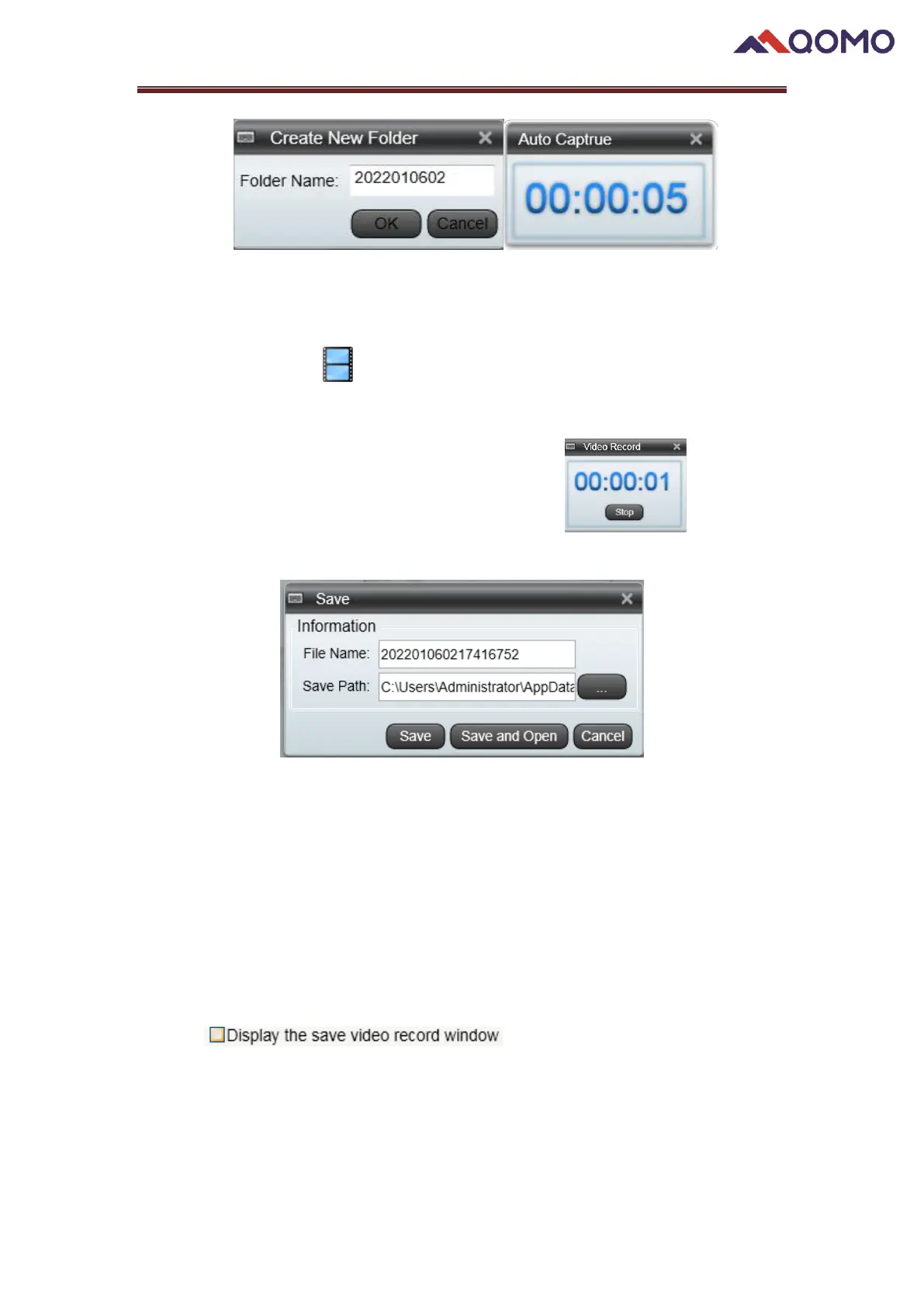
Video Recorder offers you the function to record the live image in desired time.
Click the button. You can stop the recording by click , you will be
prompted to save your video.
⚫ Save: Save the video in the specified path.
⚫ Save and Open: Save the video and open it for preview.
⚫ Cancel: Cancel the recording.
Note:
1. Video Recorder function will show and be used only when the camera is
connected to the USB.
2. The Video Recorder pop-out saving window can be hidden /showed by ticking the
item in the System Setting Window.
2.5 Pen
The Pen function allows you to write on your image or use a highlighter.


 To Next Page
 Loading...