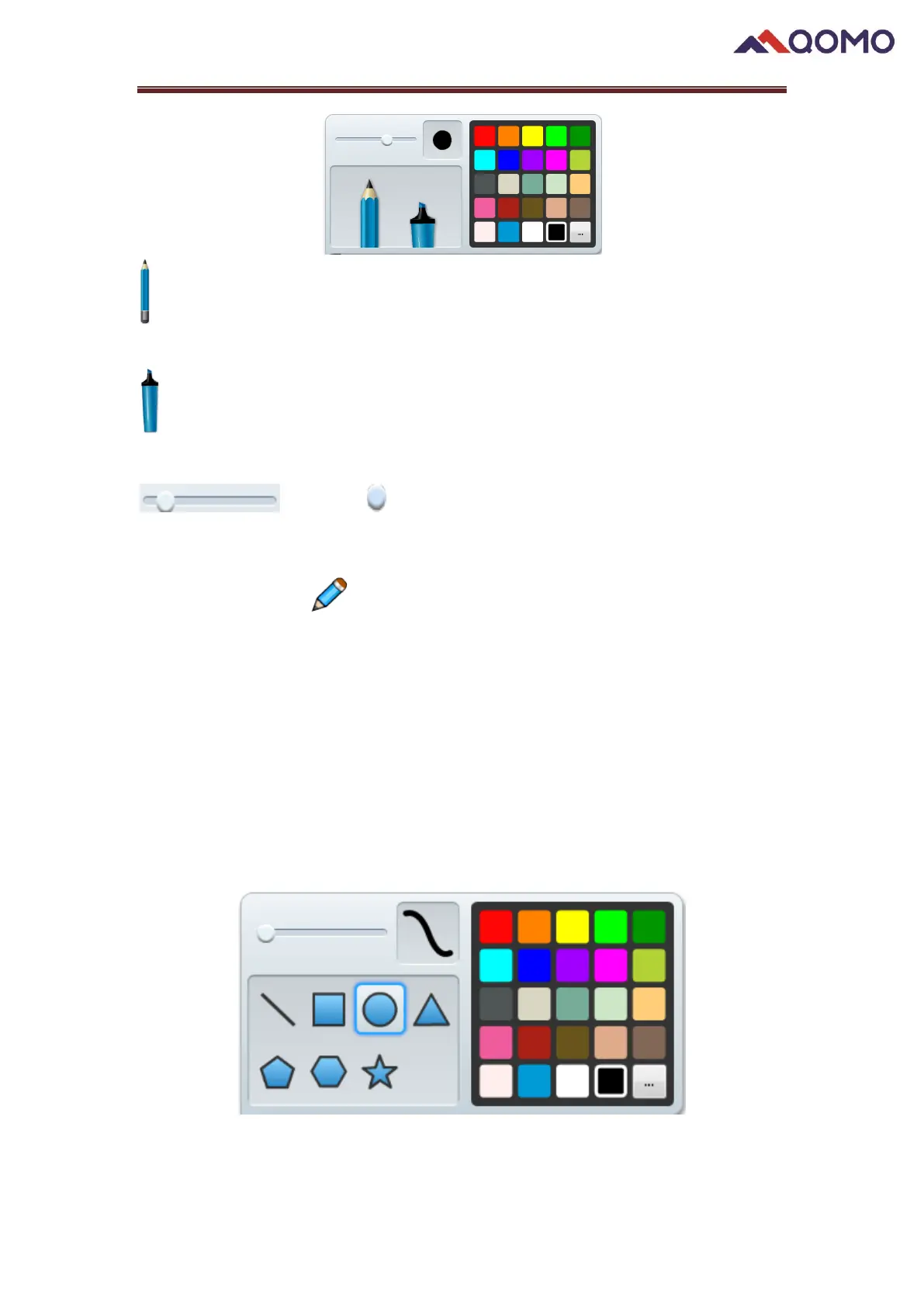
: Pen mode can let you write or draw digital ink in a variety of colors and line styles
(default as black).
: Highlight text and other objects (default as yellow).
: Move the button on the slider to modify the pen thickness.
To write with a pen:
1) Click the Pen
2) Choose the pen style
3) Choose then desired pen color
4) Set the pen thickness.
5) Write or draw digital ink on the drawing board.
2.6 Figure
User can create shapes and lines using figure tool.



 To Next Page