: Move the button on the slider to modify the pen thickness.
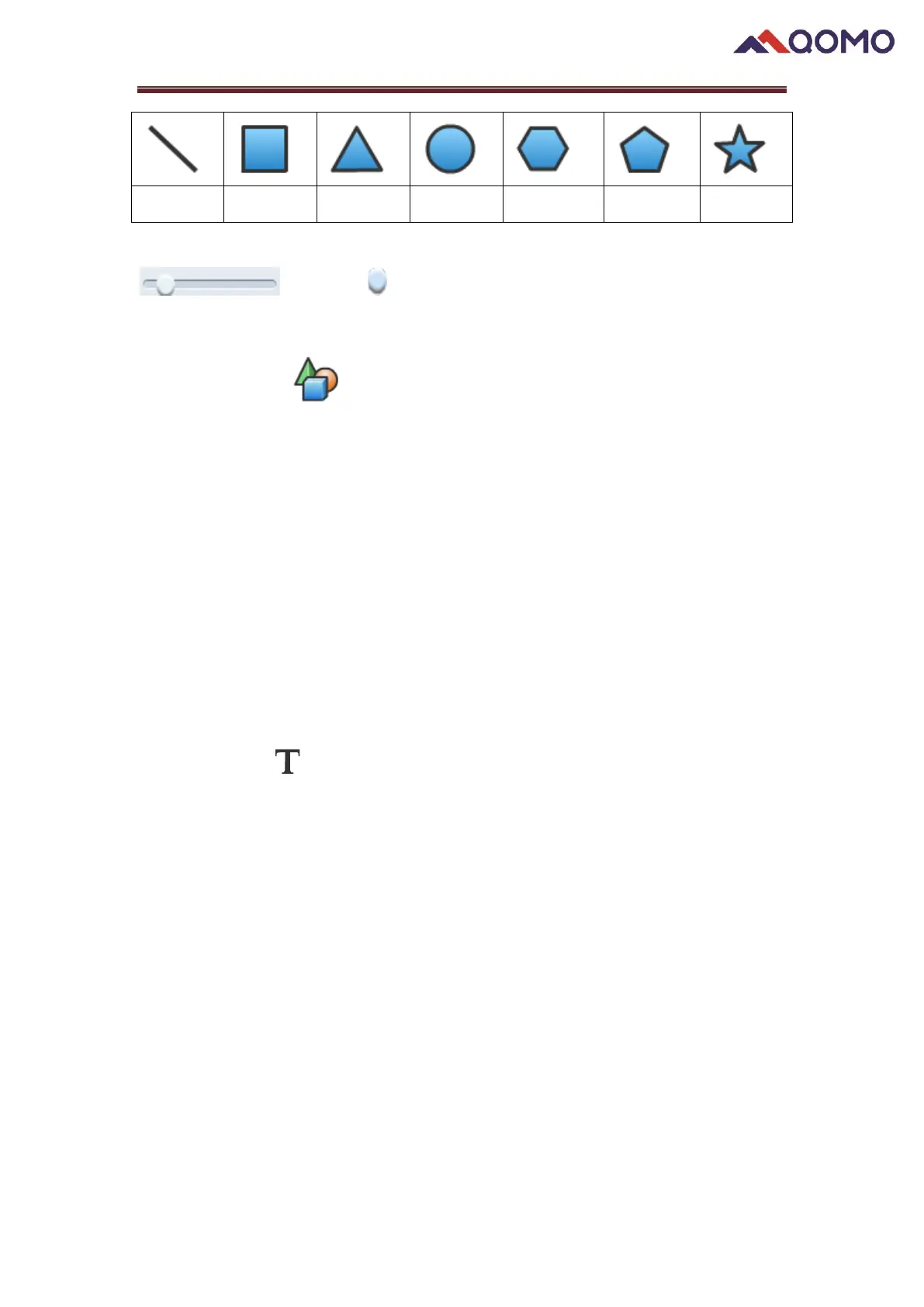
To draw a shape:
1) Press icon .
2) Choose a shape.
3) Select the desired color (default as black).
4) Set the thickness by adjusting the slider.
5) Draw shape on the drawing board.
2.7 Text
You can input text through the Text button function and change its properties. When
adding text, you can also import text files into the software by right clicking on existing
text.
Click the button first, and then click anyplace you want to input text. The text
toolbar will display under the box.
Right click the text and a menu will appear.


 To Next Page
 Loading...