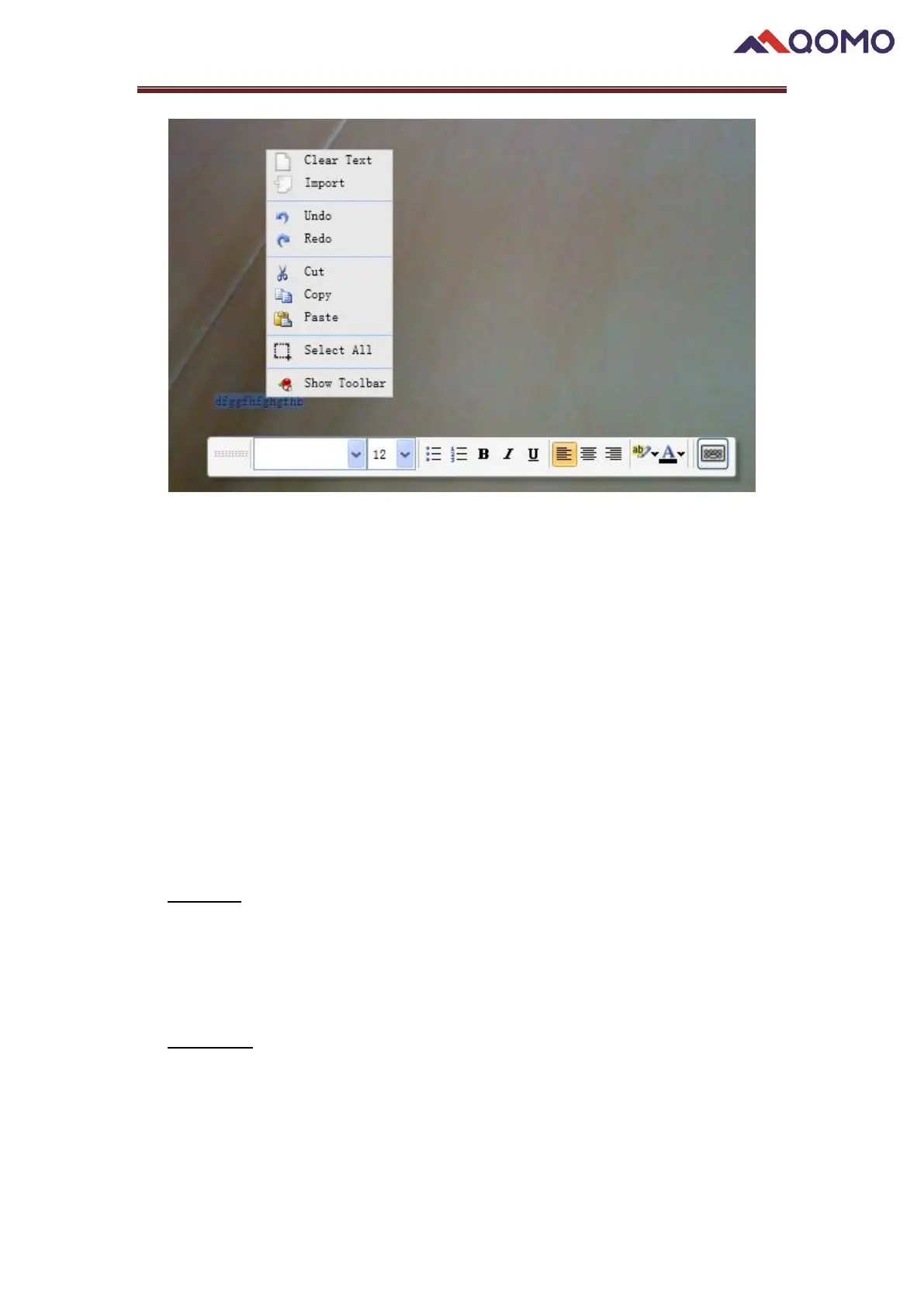
⚫ Clear Text: Clear the text in the text box.
⚫ Import: Import a file of *.rft or *.txt.
⚫ Cancel tools: Redo, Undo.
⚫ Editing tools: Cut, Copy and Paste.
⚫ Select All: Select all content in the text box.
⚫ Hide toolbars: show and hide.
Troubleshooting
Tips for using the Document Camera:
1. No image
Cause: Poor connection
Solution: Check if the USB power cable is connected and the light on the camera is
illuminated
2. Poor focus
Cause: 1). Not enough light or too much light
2). Object beyond focus
3). Dirty camera lens
Solution: 1). Turn on/off Lamp Light and adjust brightness 2). Move camera or object


 To Next Page
 Loading...