Note: if the captured resources were used in the drawing board, it cannot be deleted
directly. You need to go to the resource local directory.
After you drag the resource onto the drawing board, you can select it, and there will be an
Editing Box displayed. Here, you can manipulate the resource object as below:
Drag the right side of the resource to enlarge the length.
Drag the bottom side of the resource to enlarge the height.
Drag the button on the right bottom side to uniformly enlarge image.
Hold the button to rotate the resource.
Move the button to change the resource location.
Click the button to delete the resource.
Click the button to mirror your image.
Note: these functions except delete and mirror also can be applied on the objects created
by Figure function from toolbar.
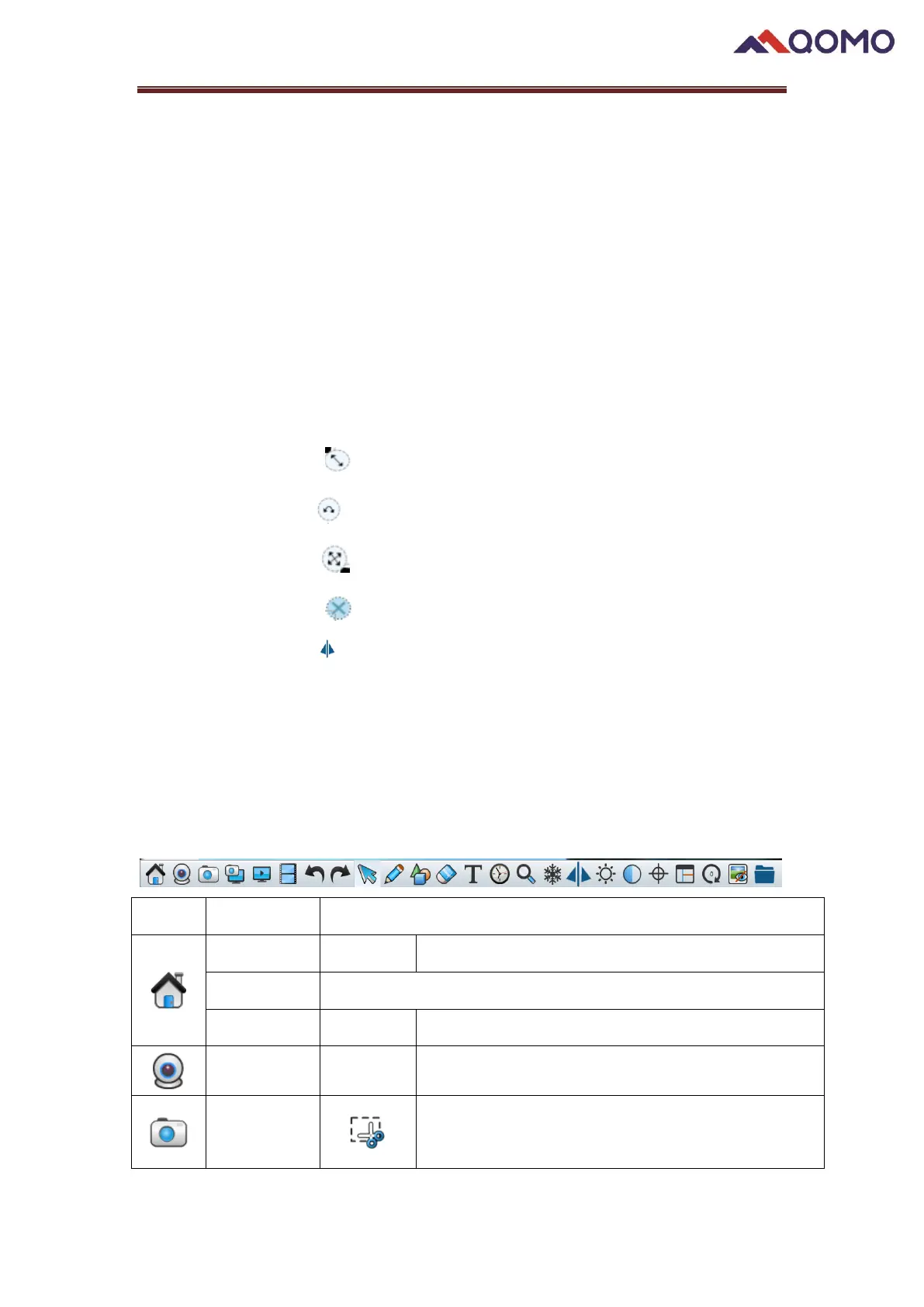
1.3 Toolbar


 To Next Page
 Loading...