2.1 QCamera
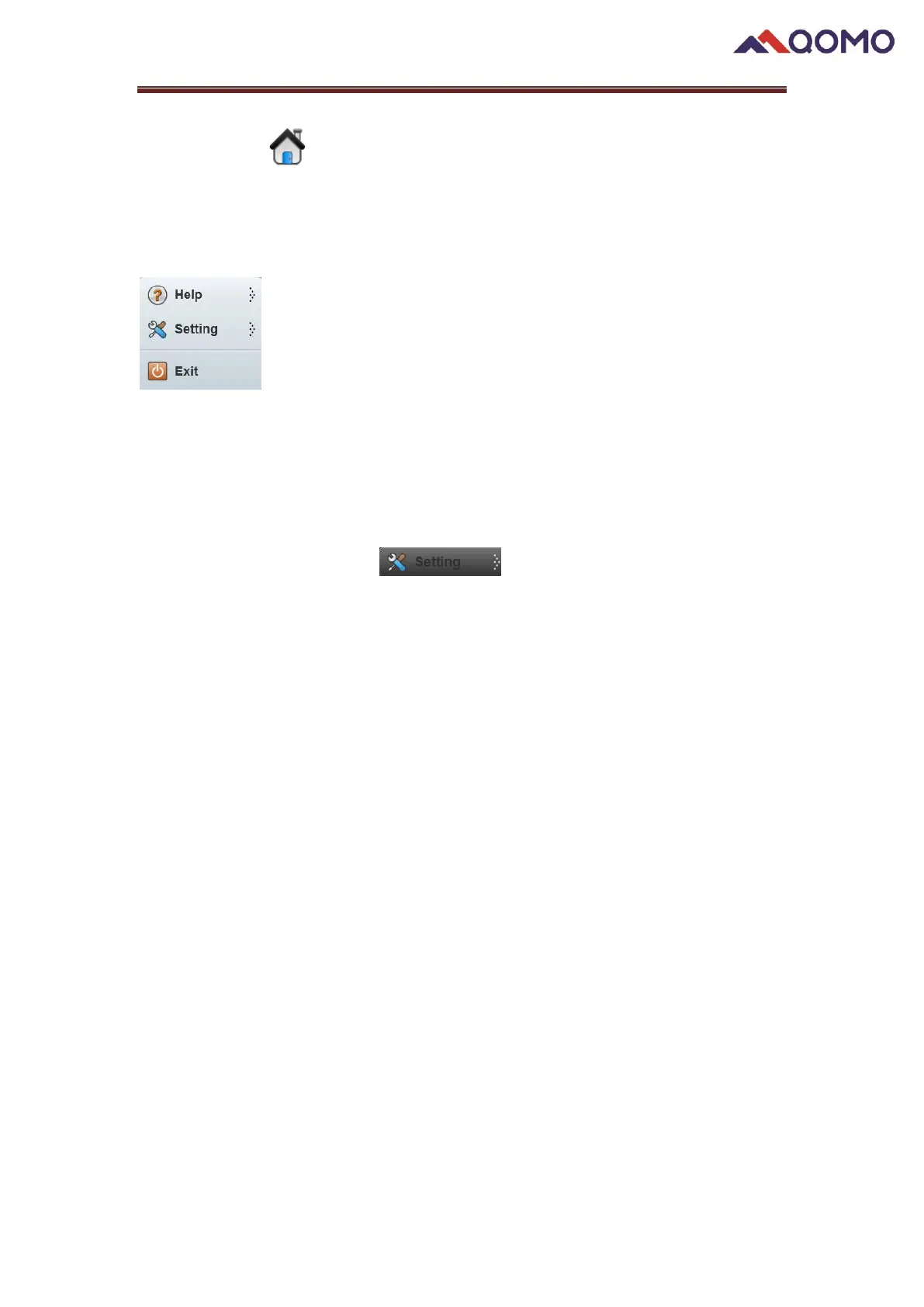
You can check the user manual, version information, and setting through using the
QCamera menu.
◼ Help: click the Help button, two options show
Help: Click to open the User Manual
About: View the QCamera version information.
◼ Setting: Click setting menu , to enter System Setting.
Under the Screenshot/Video tab, the following settings can be set:
-Set the image auto capture time increment for TimeShot feature.
-Add the prefix for the image.
-Customize resource size that will be used in the drawing board by select the size
choice in the drop-down list
-Set default save path of captured images and videos
-Set the Clock Stamp color as red, yellow or blue.


 To Next Page
 Loading...