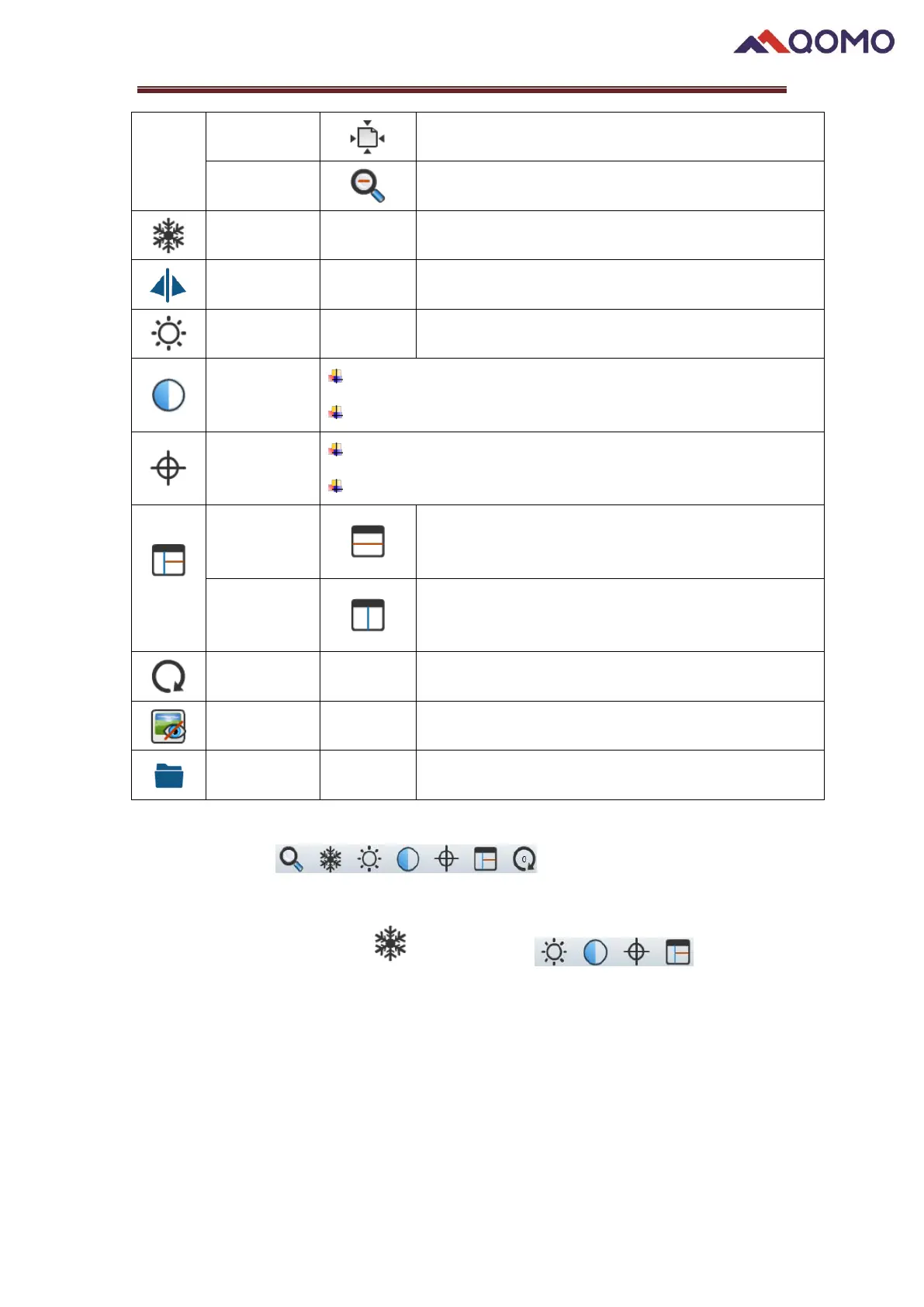
Return live image to default size
Freeze live image/Unfreeze live image
Adjust brightness of live image
Set contrast of live image
Camera properties can be changed in the settings menu
Default set as autofocus
Can manually focus using scroller
Split the screen in two horizontal parts during display
First quadrant remains frozen
Split the screen in two vertical parts during display
First quadrant remains frozen
Rotate image by 0°/90°/180°/270°
Hide/show annotations & objects on the board.
Open the video and photo storage folder
Note:
⚫ These buttons are not available when camera is
not connected.
⚫ When you choose freeze ,these buttons will not be
available.
2. Functions description


 To Next Page
 Loading...