QRS PNO
3
User Guide
QRS Music Technologies, Inc.
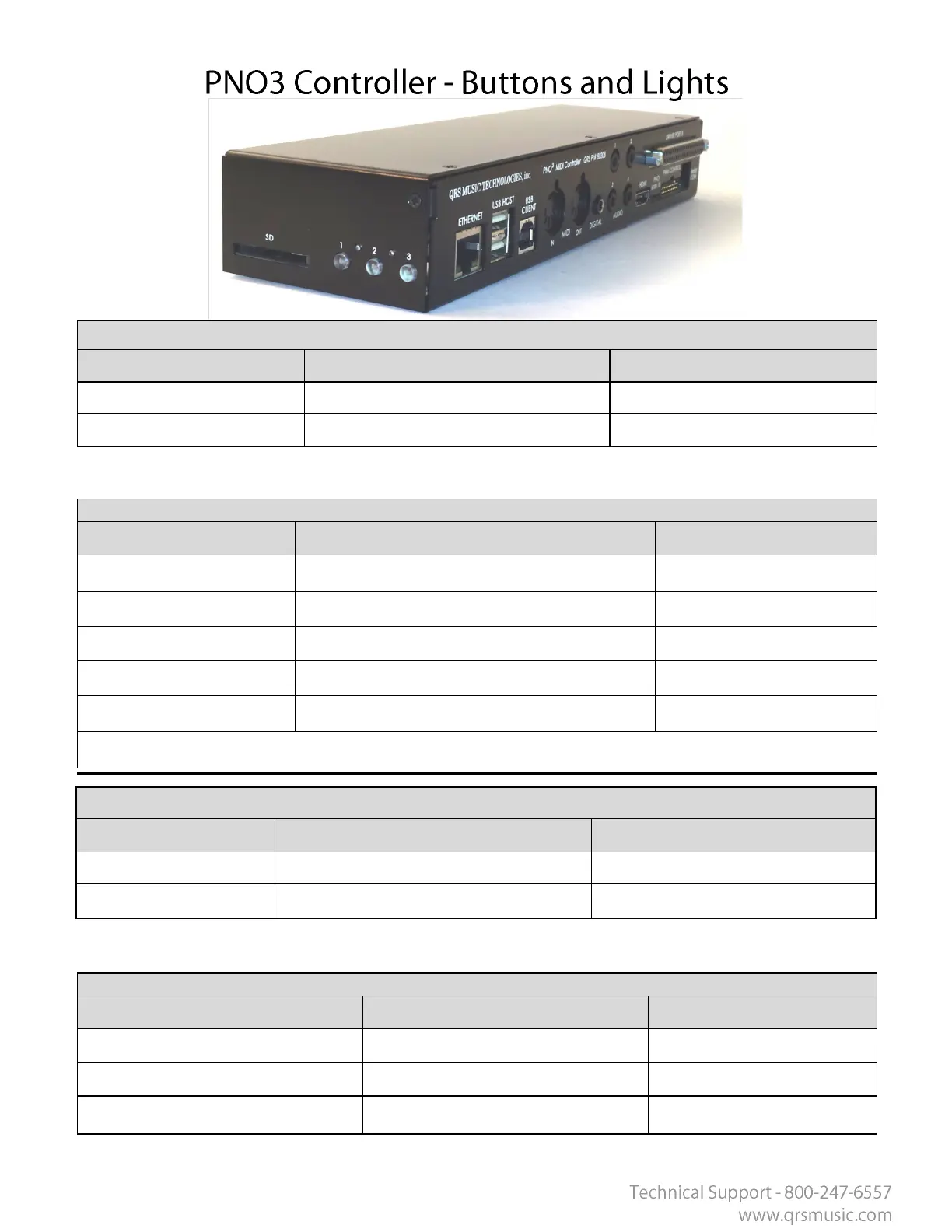
Buon/LED 1
Mode Precedence Meaning
Flashes on each event Flashes with MIDI Data
Solid --- Reliable AMI If DISPLAY AMI ON LED is enabled Flashes with AMI notes
Buon/LED 1 - Buon Presses
Operaon Funcon Requirement
Press Informaon (Audio IP Address, Serial #, Version)
Pressed for > 2 seconds Volume Increase If Playing
Pressed for < 2 seconds Go to Previous Track If Playing
Hold for 8 seconds Standby (Low power)
Hold 1 and 3 on Power Up Factory Reset On Boot Up
Factory Reset Proc Light 3 then light 1 then you can let go
Buon LED 2
Mode Precedence Meaning
Solid During Playback
1 Flash Per Sec Indexing Music
Buon/LED 2– Buon Presses
Operaon Funcon Requirement
Pressed for < 2 seconds Play/Stop Track playing
Pressed for < 2 seconds High Power Turn On If in Standby
Hold for 8 seconds Reboot



 To Next Page