This consists of setting all pattern notes to the default pattern:
• 8 Steps
• Major Scale
• Forward Order
• No Div/Mult
• No Ratchets
• No Slew
Unmutate
Hold shift and tapping reset
This will revert the current pattern to its state when the last manual edit was done, erasing
any mutation changes mutation has caused.
10. Step Encoders
Each of these encoders can be used to tune the notes for the active channel, on the active
page.
While holding shift the following actions are associated with each encoder.
You’ll note that there are two types of “Shift” interactions.
For per-pattern settings, the setting is affected by holding shift, and turning the correspond-
ing encoder.
For per-step settings, holding shift, and clicking the corresponding encoder will enter an
editor for that setting.
The per-step settings can be adjusted globally by rotating the encoders without clicking.
This will change the setting for all steps simultaneously.
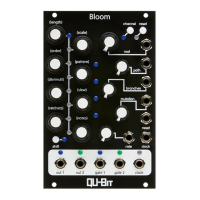
Length
Length can be adjusted by holding Shift, and rotating the encoder.
Length can be 1-32 steps, and will be indicated by a combination of the eight LEDs in
between the encoders, and the four LEDs in the center of the module.
14


 To Next Page