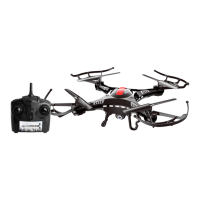
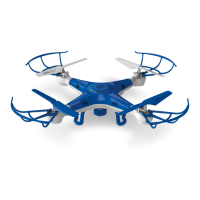
1. Turn on your Quadrone by changing the switch on the back of the
drone from OFF to ON. Place it on a flat surface. The lights on the
Quadrone will begin to flash. Do not move the Quadrone during the
syncing process to ensure the gyroscope stays balanced.
2. Turn on your Remote controller, you will hear the remote beep.
(If the batteries of remote are low, your remote will keep on beeping and
the power indicator light will flash. Replace the batteries for your
remote.)
3. Push the throttle joystick up and then down. The lights on the drone will
turn on indicating the remote and the drone are now paired. You are
now ready to fly.
• If you are not going to use your Quadrone for an extended period of
time, please take out the batteries in your remote controller. Potential
battery leakage could occur and possibly damage the remote or create
a fire hazard.
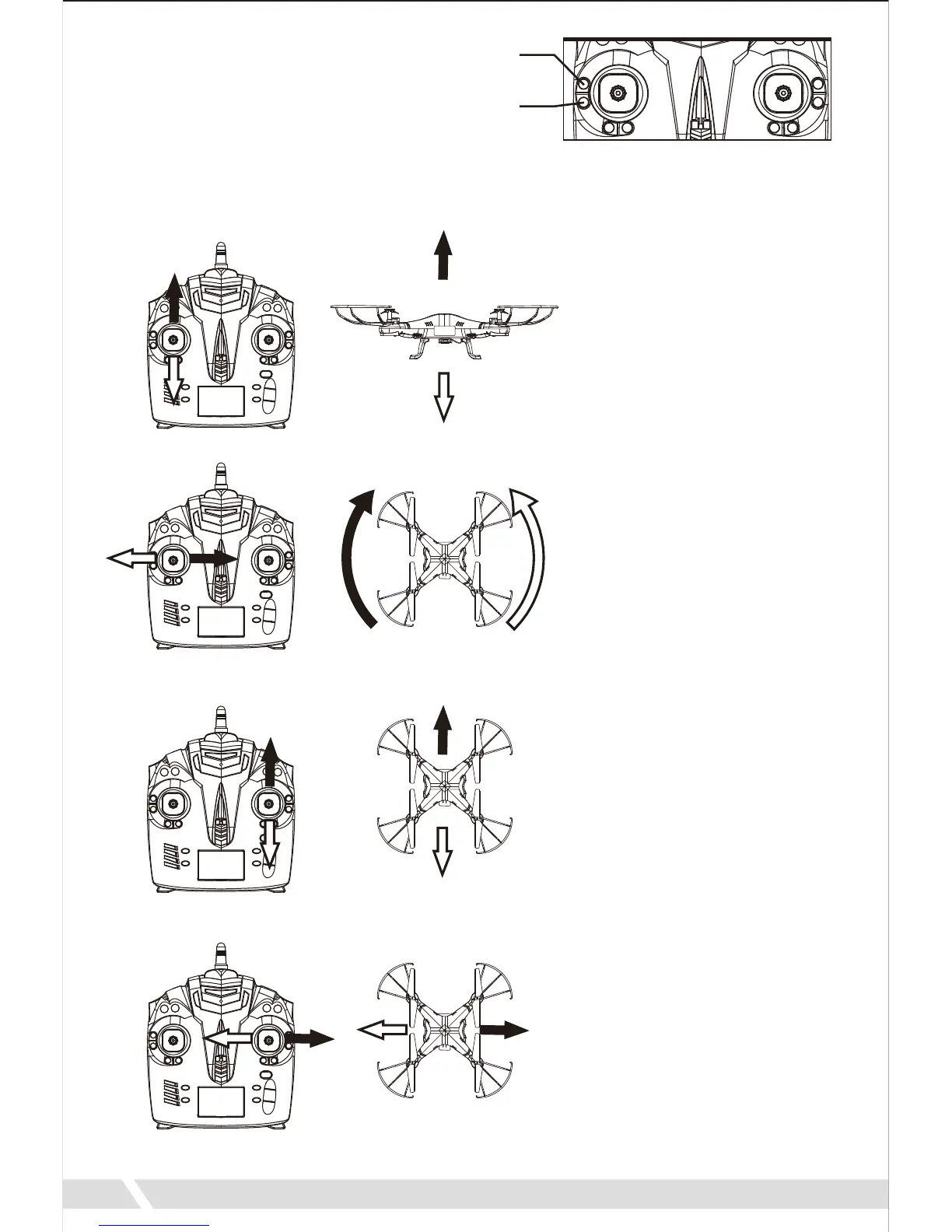
To start the motors, press the
Unlock Button. When you press
this button, the blades on the
drone will start to spin.
To start your flight, press the Auto Take Off. The drone will slowly start to
ascend.
Push up on the throttle
joystick. The Quadrone will
begin to ascend.
Pull down on the throttle
joystick. The Quadrone will
begin to descend.
Elevation
Push the directional
joystick to forward. The
Quadrone will fly forward.
Push the directional
joystick to the left. The
Quadrone will turn to left.
Forward/Backward
Push the directional
joystick to the right. The
Quadrone will fly to the
right.
Push the directional
joystick to the left. The
Quadrone will fly to left.
Aileron
Push the throttle joystick to
the right. The Quadrone will
turn to right.
Push the throttle joystick to
the left. The Quadrone will
turn to left.
Turning
7
Unlock
Auto
Take Off


 To Next Page