780 Handheld Test Instrument Page 10
4.2 Selecting a Signal Type and Resolution
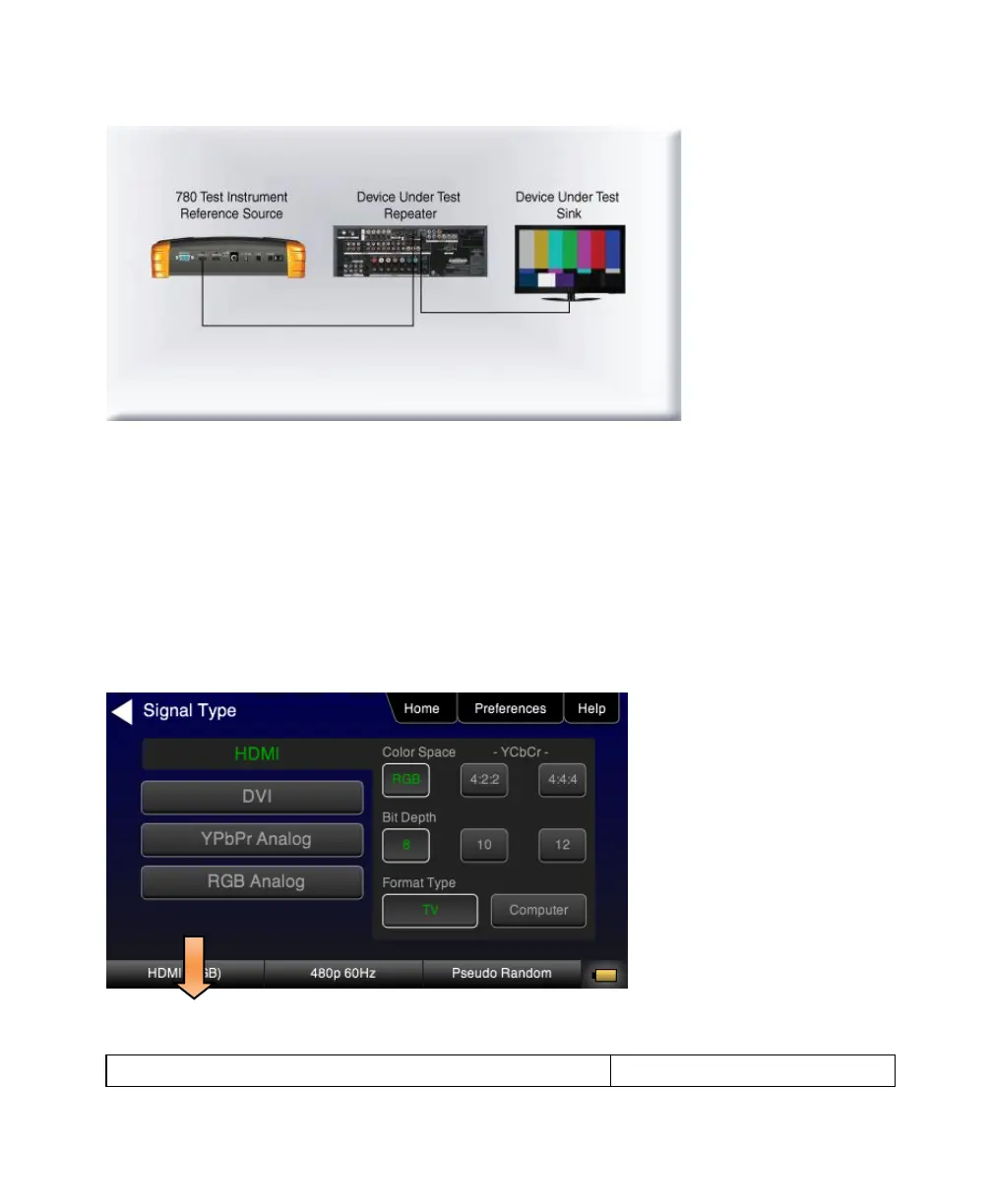
After making the physical connections between the 780 and the display device under test you will need to select the
signal type, Resolution and Frame Rate for the sink device under test.
4.2.1 Procedures for Selecting a Signal Type
The procedures below describe how to select the active signal type.
1. Power up the 780 using the rocker switch on the back panel. Review the guidelines for battery usage in the Power
Considerations section.
2. Touch select the Signal Type activation button on the panel on the left (see screen example below).
3. Touch select the desired signal type using the associated activation button.



 To Next Page