780 Handheld Test Instrument Page 12
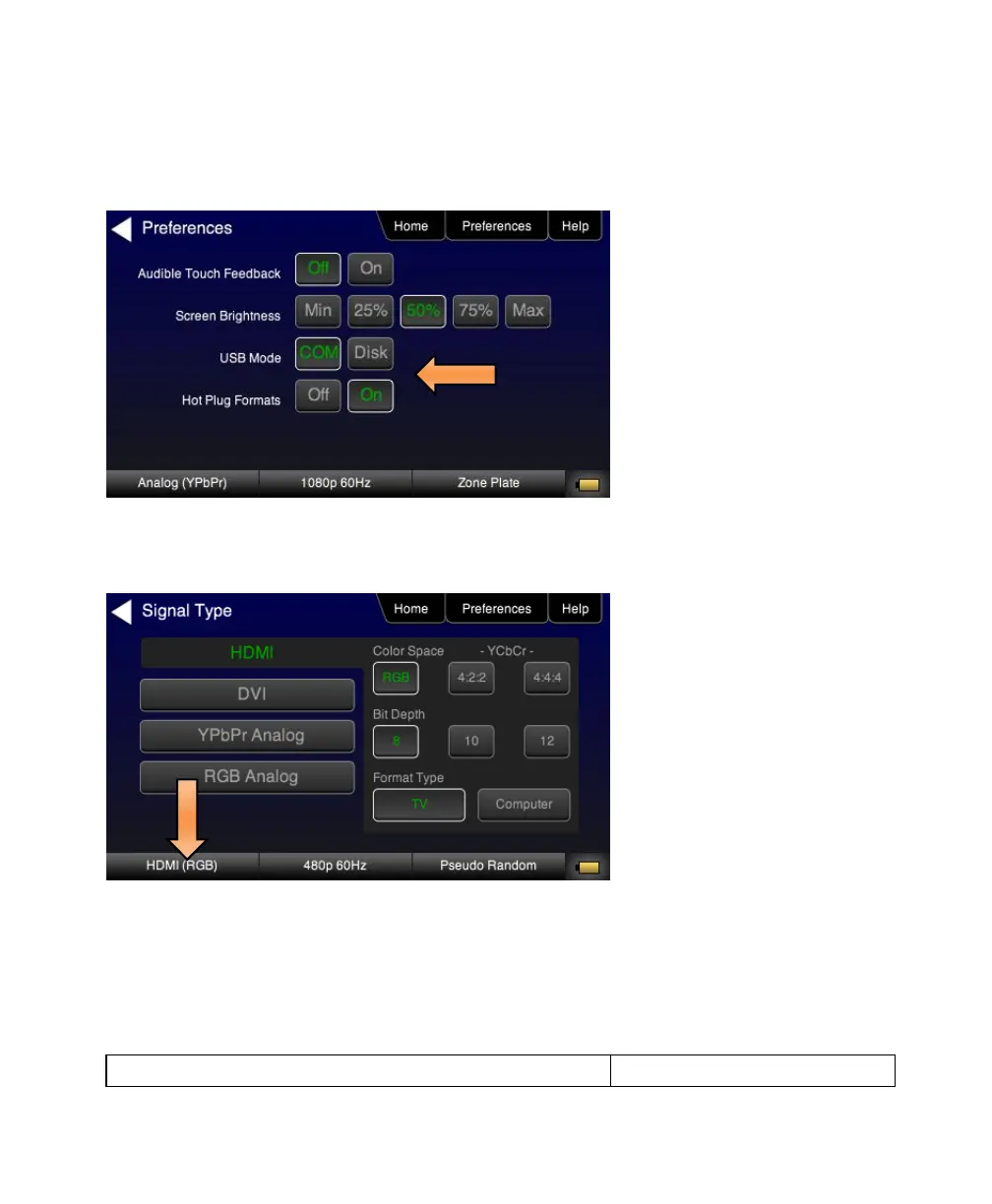
When hot plug formats are Off, the 780 will display all viable HDMI formats for the HDMI interface whether they are
supported by the display or not.
1. Select the Preferences from the 780 top level menu.
2. Select the Hot Plug Formats mode to On or Off as desired. Refer to the screen above.
3. Touch select the interface button (left button on the bottom panel). Refer to the figure below.
For the HDMI interface, you will set the Color Space, sampling mode, Bit Depth and Format Type.
4. Touch select the resolution and frame rate (middle button on the bottom panel). Refer to the figure below.



 To Next Page