780 Handheld Test Instrument Page 23
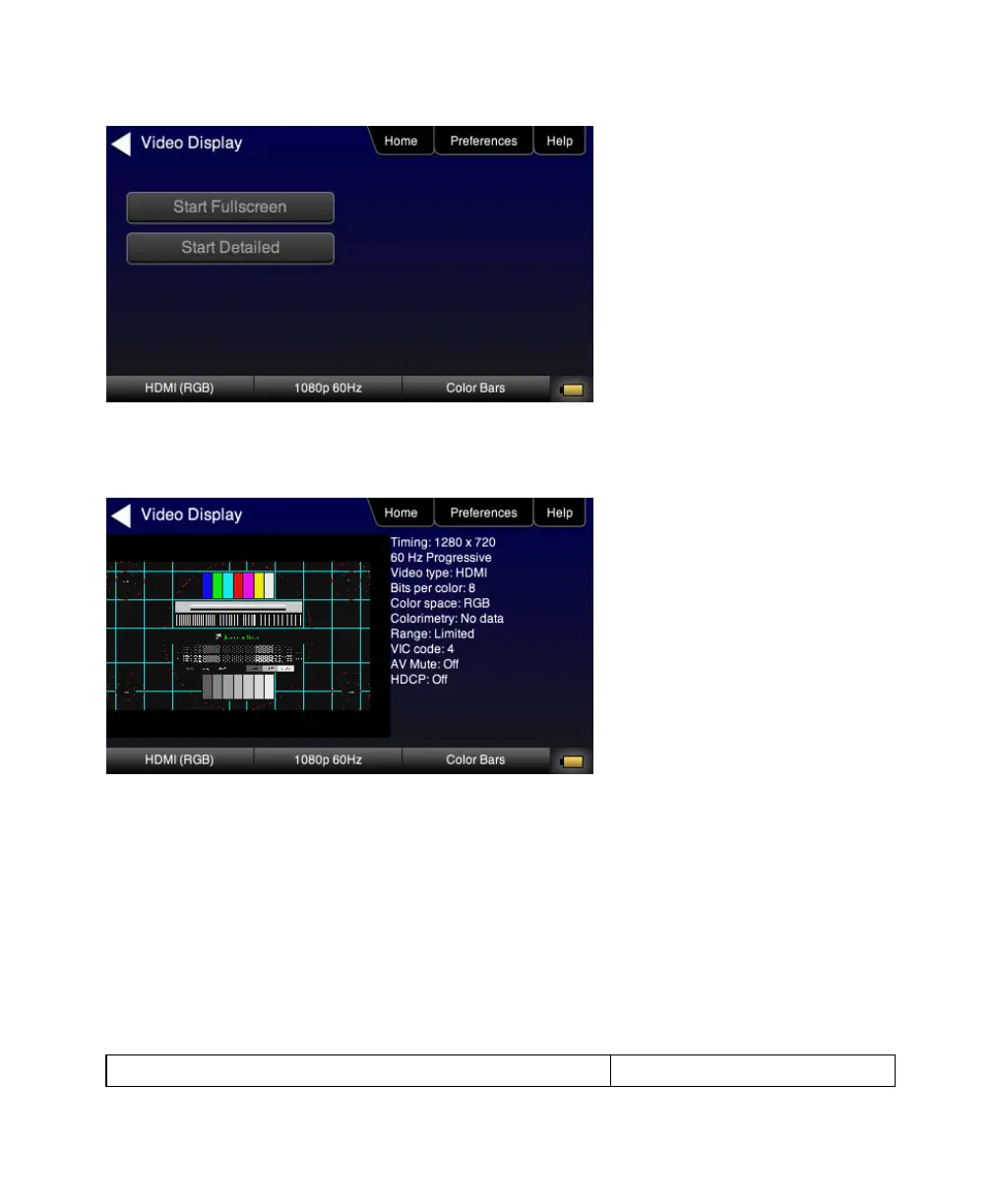
6. Touch select the Start Fullscreen activation button on the Video Display menu to view the incoming video along
with the metadata from the source device under test. In this example a test pattern is shown.
Note also that the HDCP encryption status and AVmute status is shown. In addition to the AVI infoframe values.
7. Return to the Source Test menu by touching the LCD. The Source Test menu reappears.
4.7 Testing Digital Audio on an HDTV or A/V Receiver
This section provides procedures for testing digital audio on an HDTV or A/V Receiver.
Note: It is recommended not to select bitmap images when outputting compressed audio clips. In a future release of the
product, the 780 will automatically switch from a bitmap to a standard image when you select a compressed audio file for
output.
4.7.1 Connecting the 780 to the Audio Rendering Device
Use the following procedures to make the physical connections from the 780 to the audio rendering device under test.



 To Next Page