780 Handheld Test Instrument Page 24
1. Make the cable connection between the appropriate the 780 video output connector (e.g. HDMI OUT, SPDIF or
OPTICAL) and the input connector of the audio rendering device using the cables supplied.
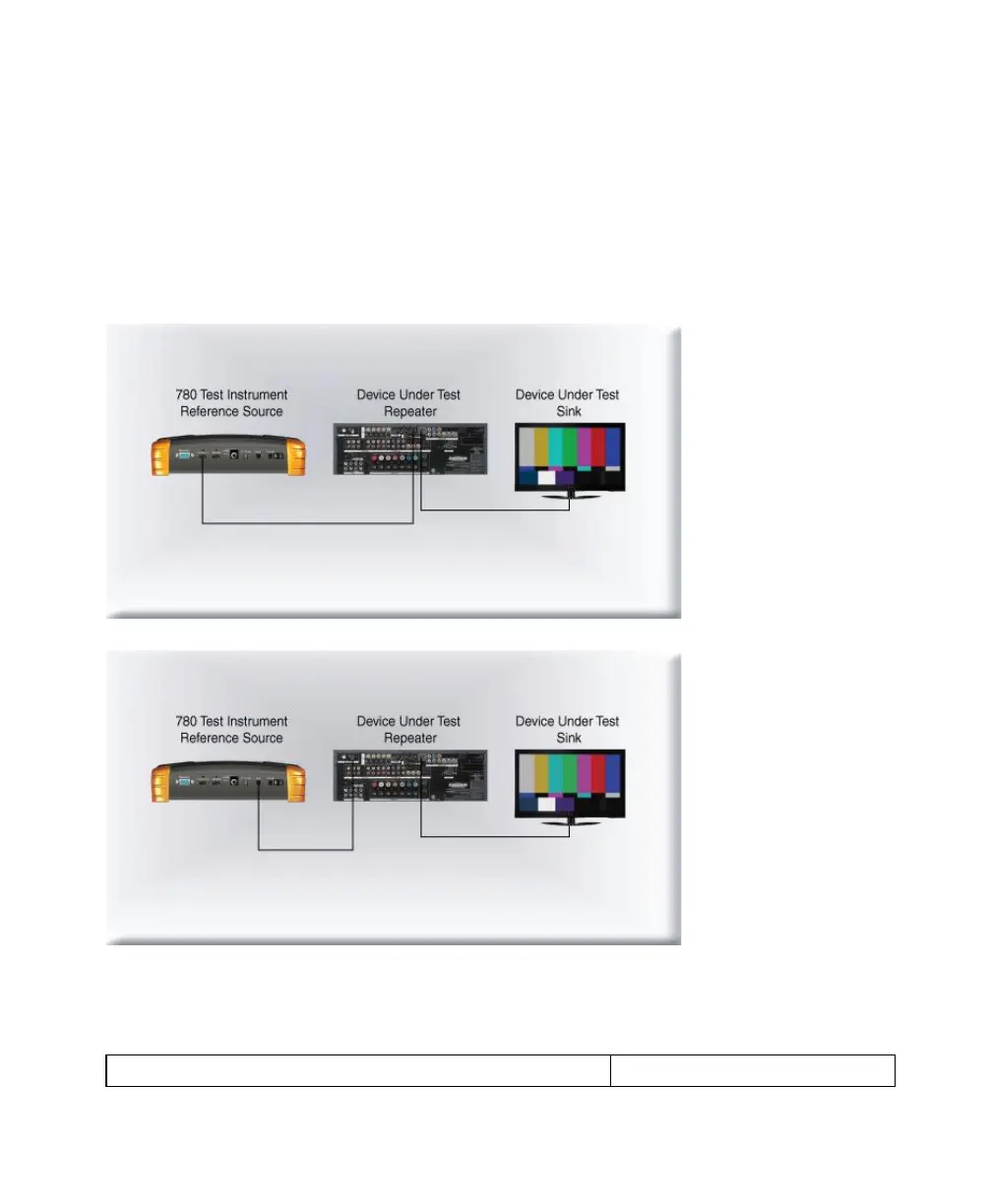
Alternatively you may connect from the 780 video output connector to an HDTV through an HDMI repeater device
such as an A/V receiver. In this case make the HDMI connection between the HDMI OUT connector on the 780 and
the HDMI input of the HDMI repeater device using an HDMI-to-HDMI cable. Then connect the HDTV to an active
output on the repeater. The following illustrations depict the typical test configurations.
The following illustrations depict the test setups for the HDMI audio, SPDIF audio and optical. Note also that you
can test directly into an HDTV without going through an A/V receiver.



 To Next Page