780 Handheld Test Instrument Page 28
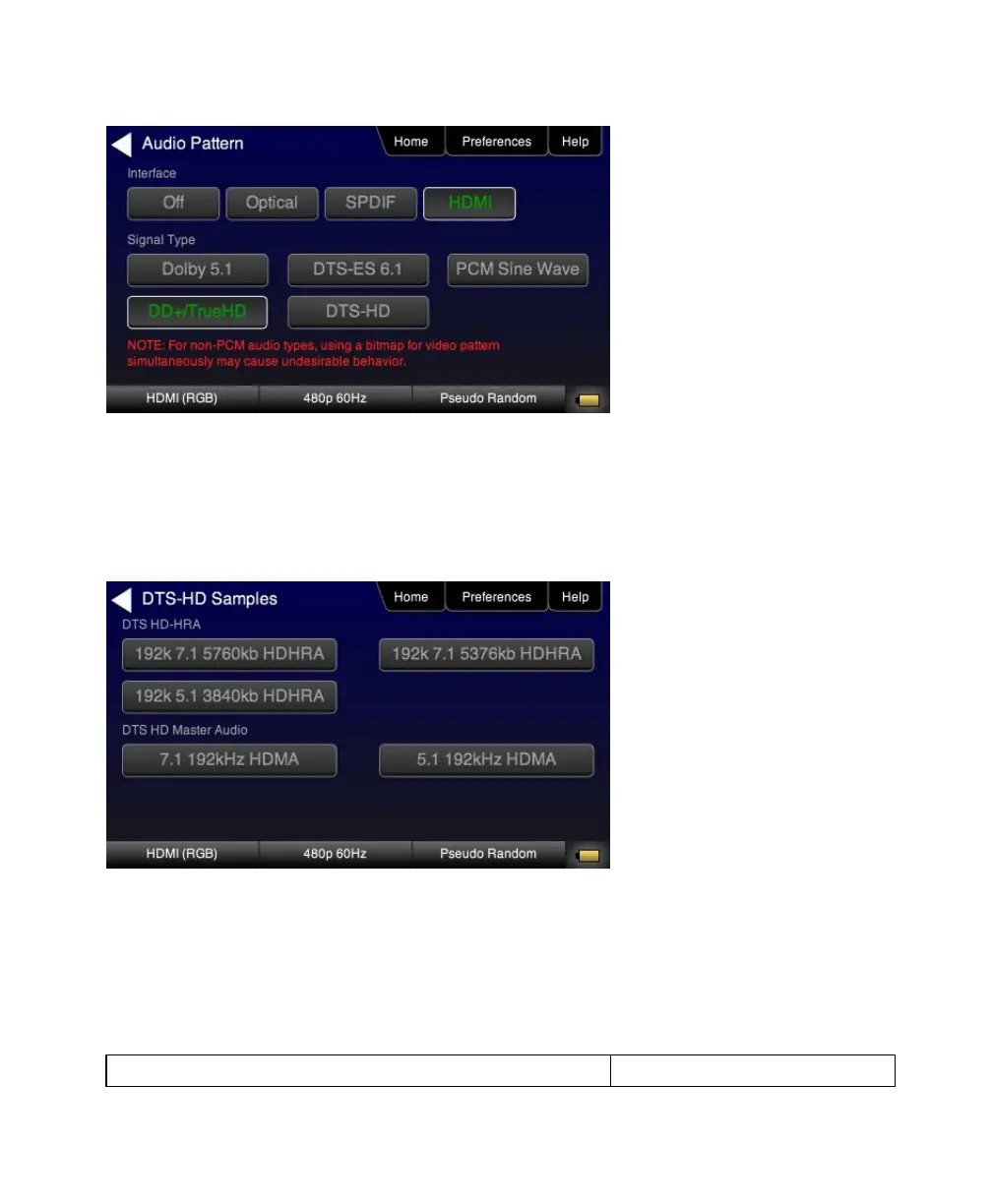
3. Touch select the desired Interface from the Audio Pattern (Test Tone) menu (refer to the screen shot above
which shows HDMI). The options are Optical, SPDIF or HDMI.
4. Double touch select the Dolby Digital Plus 7.1/TrueHD or DTS-HD item on the Audio Pattern (Test Tone) menu
(refer to the screen shot above).
One of the following screens will appear:



 To Next Page