780 Handheld Test Instrument Page 29
5. Touch select the desired clip.
4.7.4 Procedures for Testing with Programmable Sine Waves
Use the procedures below for testing with programmable sine waves.
1. Make the cable connection between the appropriate the 780 video output connector (e.g. HDMI OUT, SPDIF or
OPTICAL) and the input connector of the audio rendering device using the cables supplied.
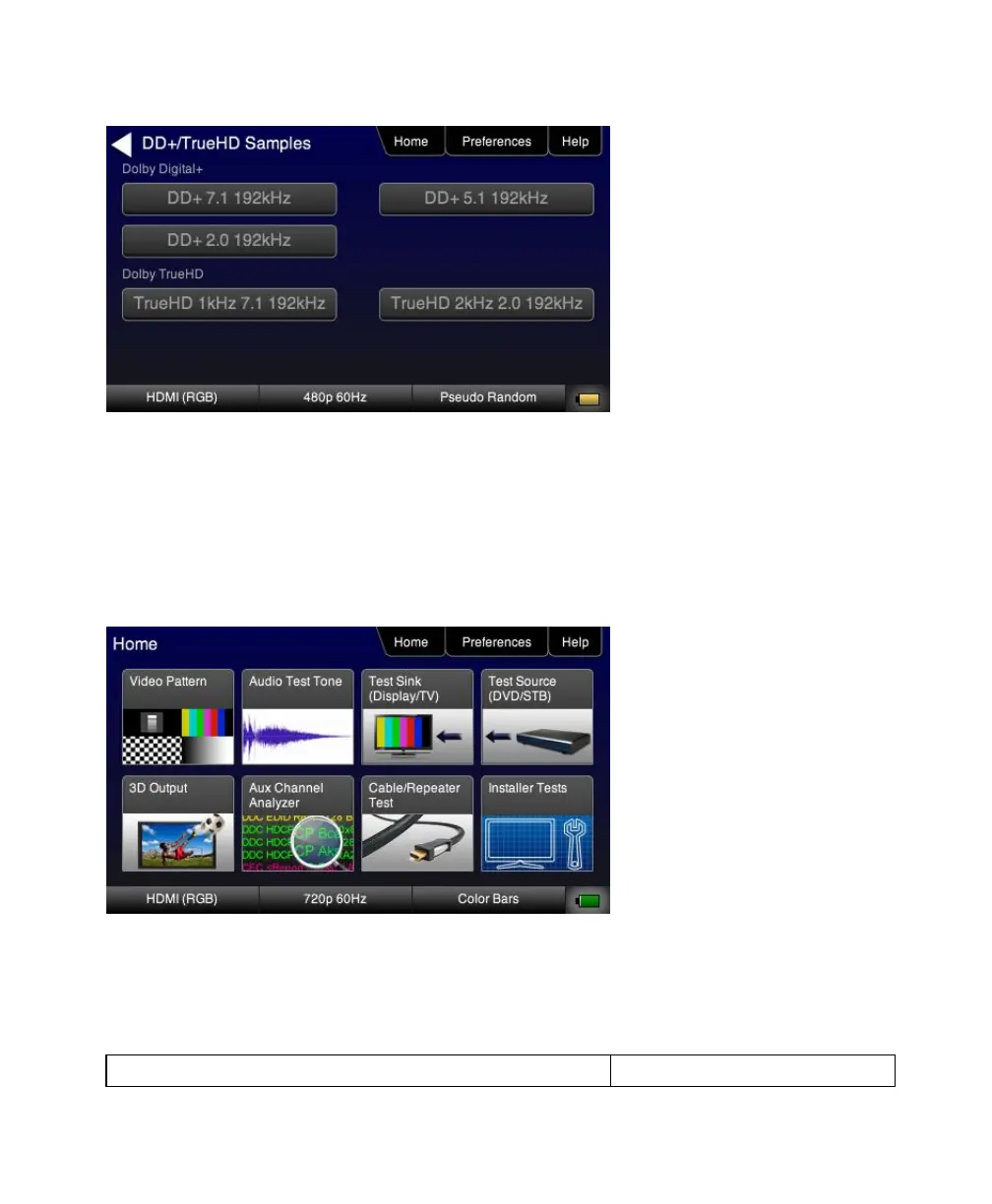
2. From the top level menu (shown in the figure below), select Audio Test Tone.
The Audio Pattern menu appears as shown below:



 To Next Page