780 Handheld Test Instrument Page 39
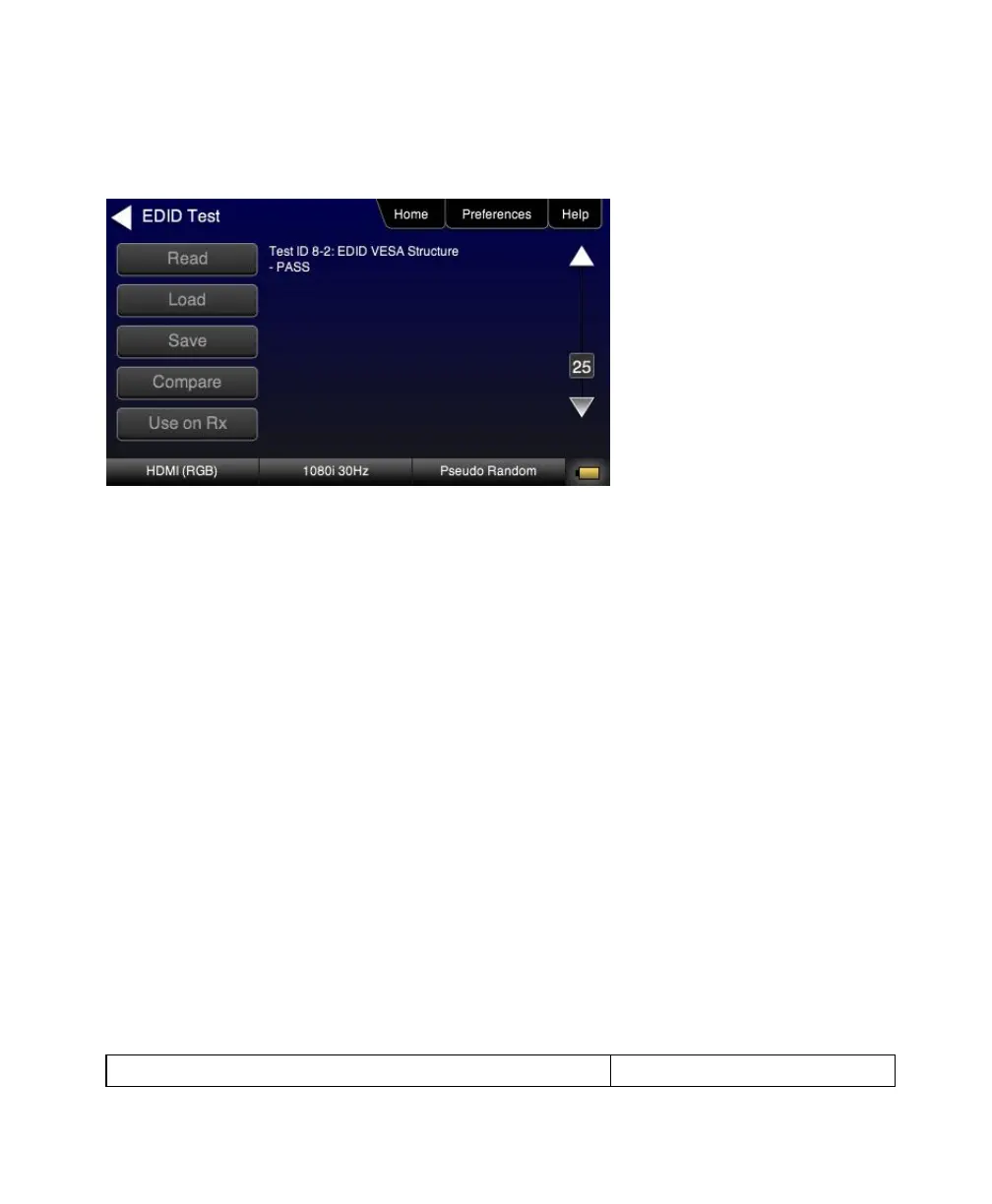
The EDID sink test will also run certain sections of the EDID compliance test. The sections that are run are those
sections that do not require Capabilities Declaration Form (CDF) information to be entered for example Test ID 8-2
shown in the following screen example below.
5.2.3 Workflow for Comparing EDIDs
Use the following procedures to compare two EDIDs. The following is the workflow for comparing two EDIDs.
Load a reference EDID either from an EDID file stored on the 780 or an EDID you have obtained from an HDTV
and subsequently stored.
Load the reference EDID.
Connect the 780 HDMI OUT port to the HDMI sink device whose EDID you wish to compare with your reference
EDID.
Compare the two EDIDs.
Note: To load an EDID use the procedures described in Adding Reference EDIDs for Use in Testing HDMI Devices.



 To Next Page